RW60 User Manual
9.4 Windows Driver Installation
Warning:
Under different operating system and different type of driver, the screen has slight difference.
Please operate it according to the tips. Take RW60 (Windows 7) as example.
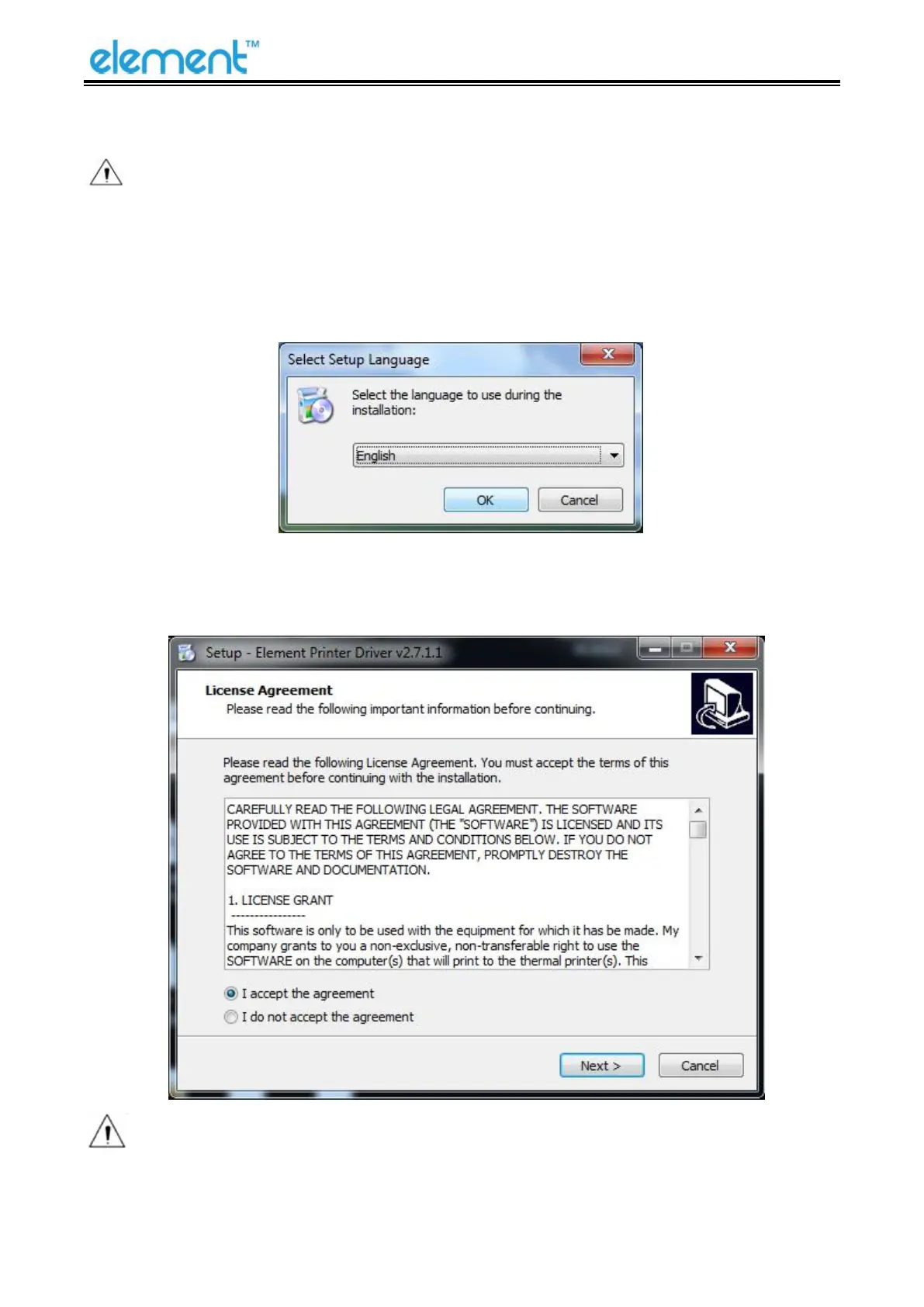
1) Double click Windows Driver.
2) Choose “English” and click “OK”.
3) Choose “I accept the agreement”, then click “Next”.
Note: If printer is already connected with computer by USB port, it only needs to click
“Install”, then it will be installed automatically. Otherwise, proceed to the next step.



 To Next Page