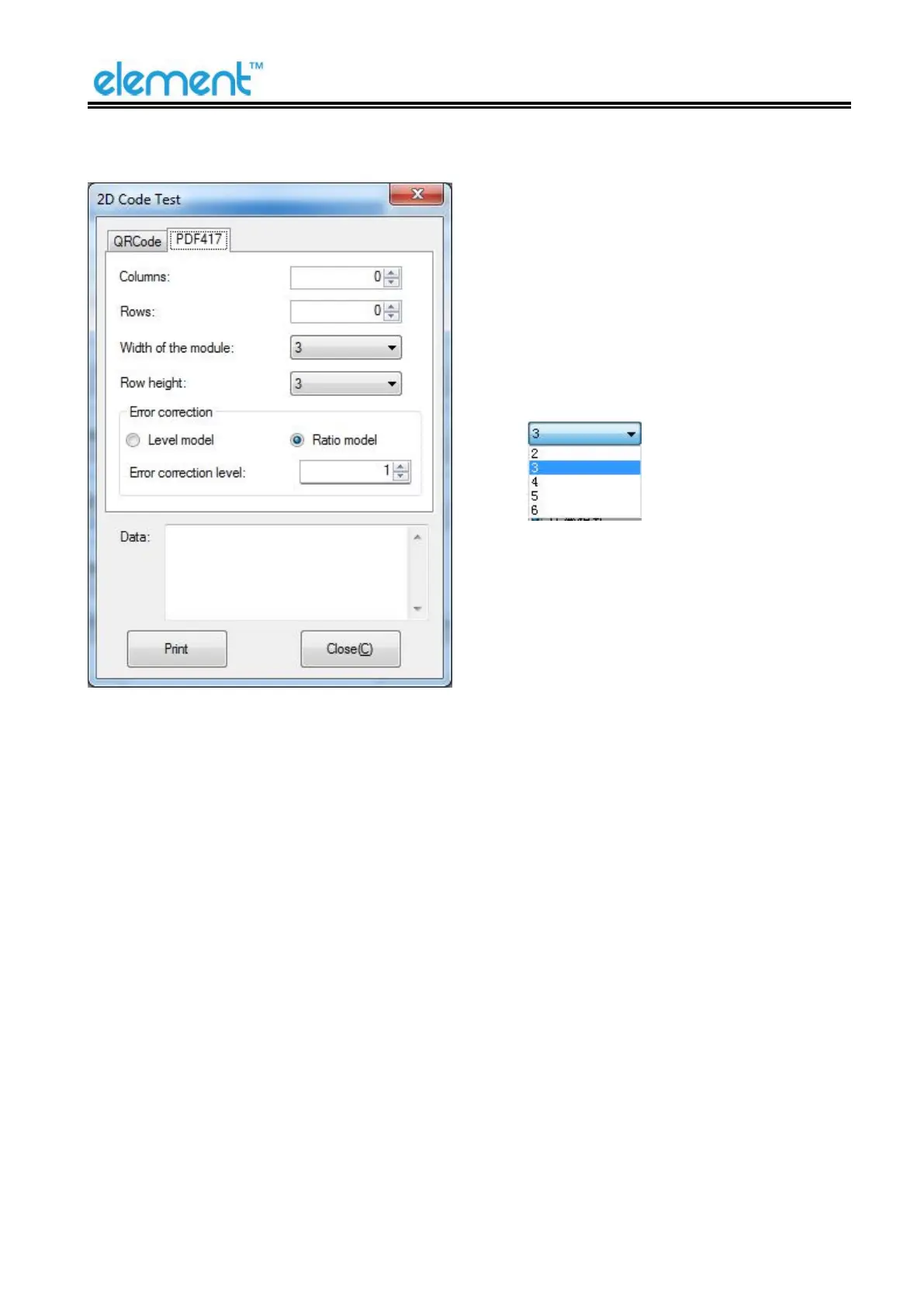
▲Columns: 0~30
▲Rows: 0~90
▲Width of the module: 2~6
The larger the module value, the
wider the width of the printed
PDF417 barcode, and the smaller
the opposite.
▲Row height: 2~8
The larger the module value, the
longer the printed PDF417
barcode, and the smaller the
opposite.
▲Error connection level



 To Next Page