RW60 User Manual
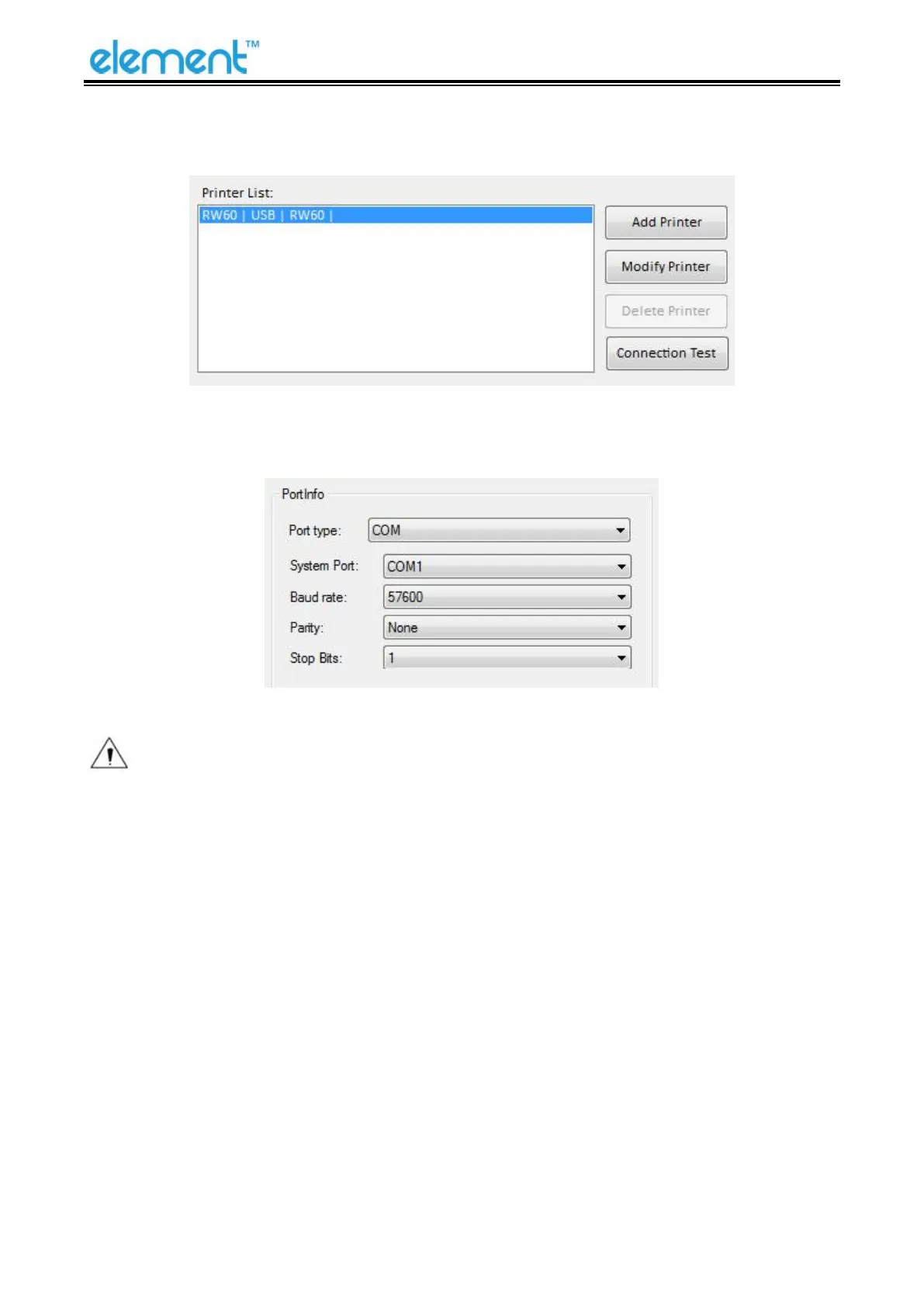
2) After restarting the printer, open the main menu screen of the tool and click "Modify Printer".
3
)
Select the port category "COM" and set the baud rate to the value "57600" as shown above, and
parity "None". This port allows you to print after setup is complete.
Note: When the DIP setting is set in memory switch mode, the DIP switch at the bottom of
the printer need to be disabled.



 To Next Page