RW60 User Manual
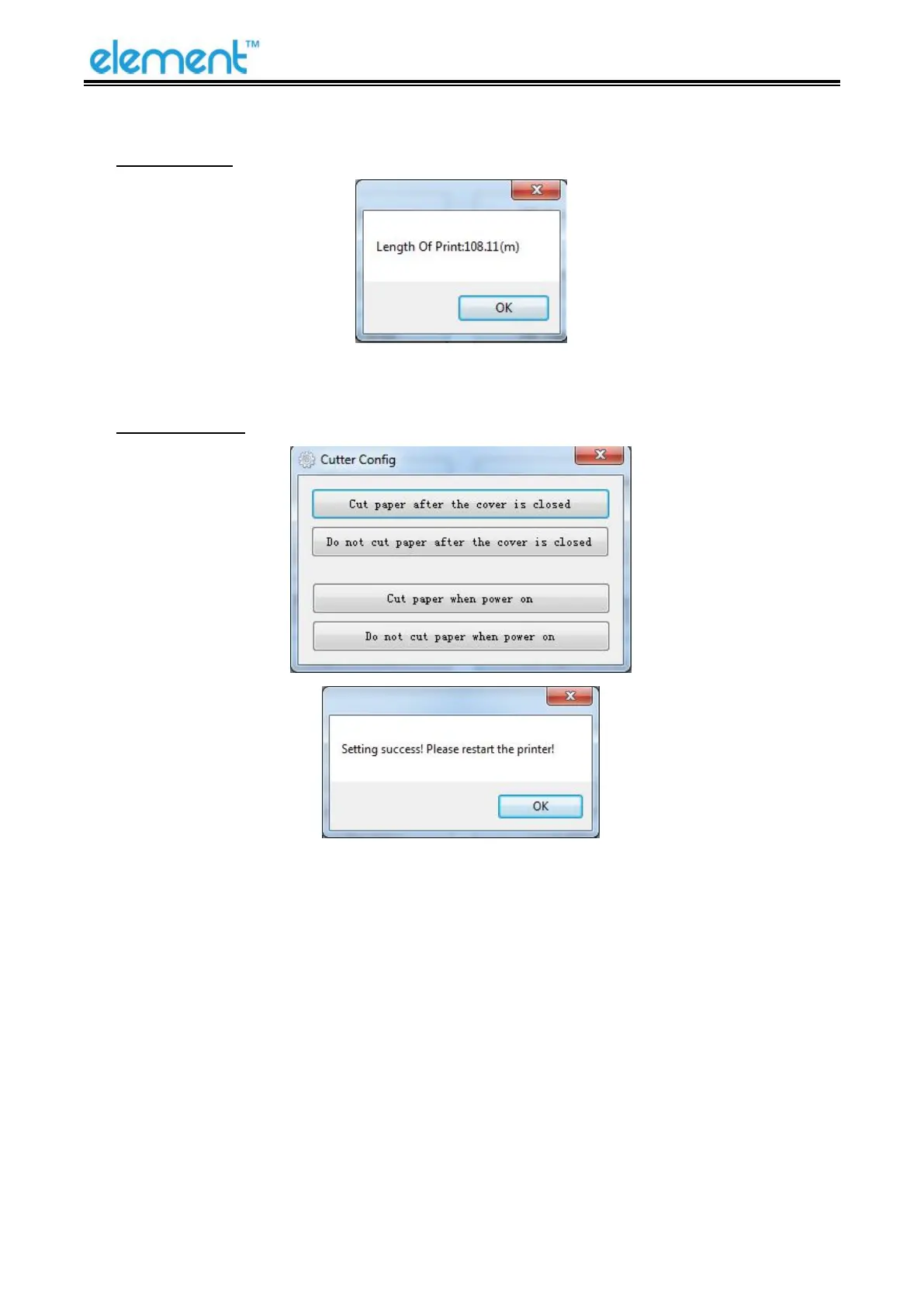
Length Of Print
Click “Length of Print” to obtain the length of the paper that the printer has printed.
Cut Paper Config
1)Cut paper after the cover is closed: the printer automatically cuts the paper after closing the
cover.
2
)
Do not cut paper after the cover is closed: the printer does not automatically cut the paper after
closing the cover.
3)Cut paper when power on: the printer automatically cut paper after the printer is
power on.
4
)
Do not cut when power on: the printer does not automatically cut paper after the printer is
power on.



 To Next Page