9.4 Windows Driver Installation
Warning:
Under different operating system, the screen has slight difference. Please operate it according
to the tips. Take RW80L (Windows 7) as example.
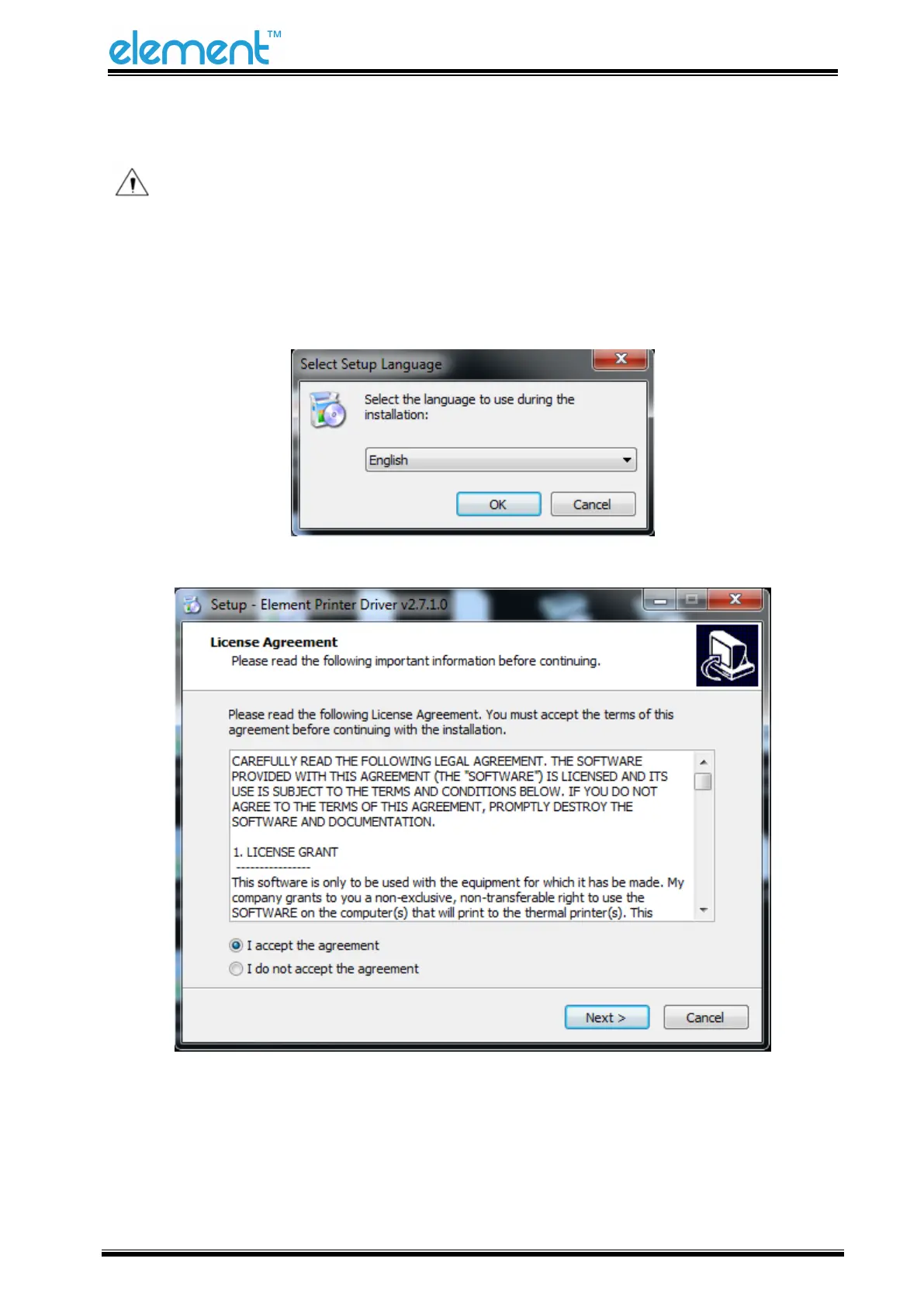
1) Double click Windows Driver, and choose the language.
2) Choose “I accept the agreement” and click “Next”.



 To Next Page