elmeg IP630 / en / elmeg IP630 / operating.fm / 8/24/16
Template bintec-elmeg, Version 1, 01.07.2014
10
elmeg IP630
bintec elmegGetting to know your telephone
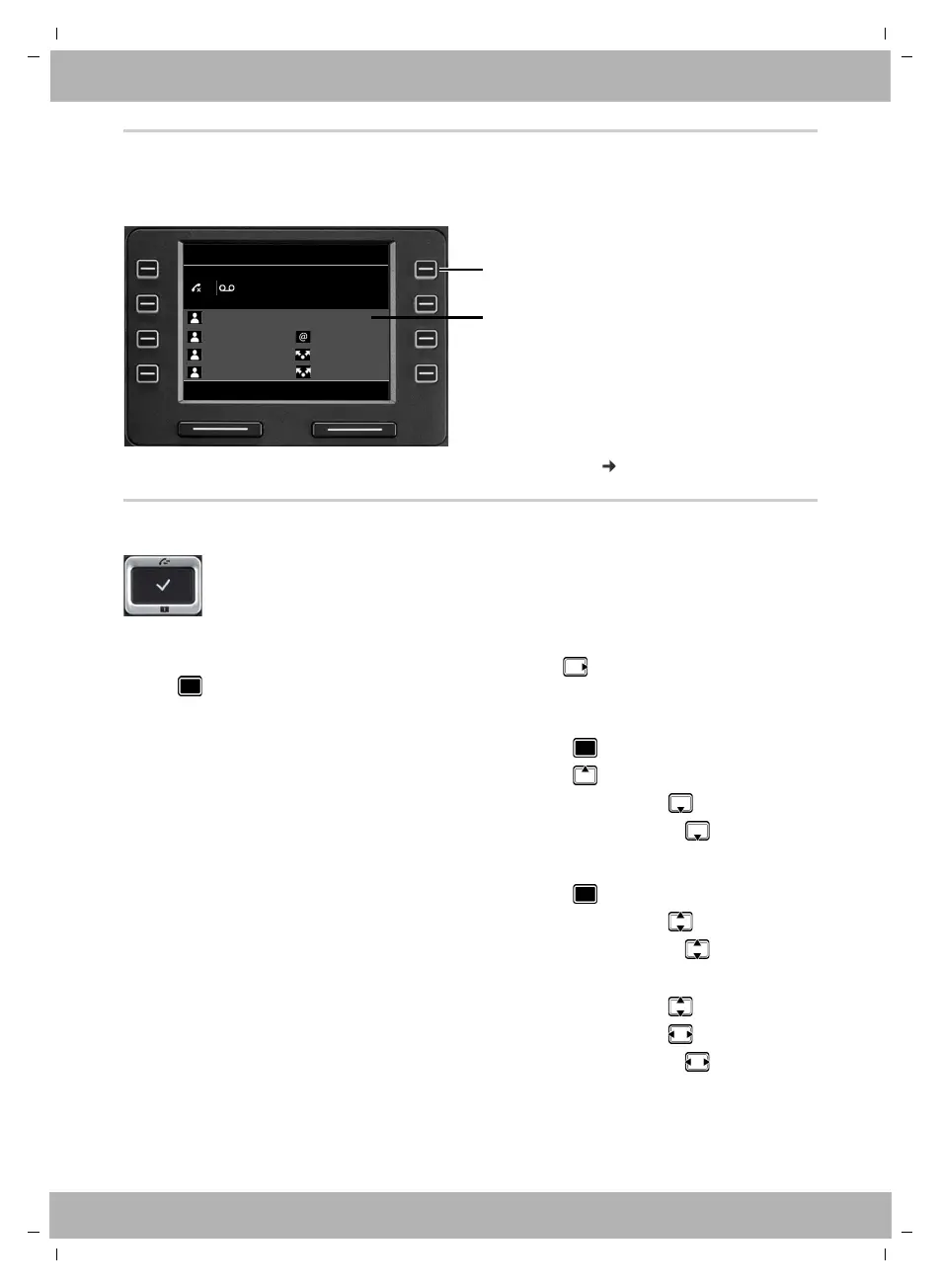
Function keys
Programmable function keys offer rapid access to frequently used numbers and functions.
The
current assignment is displayed in idle status.
Assigning values to the function keys with the Web configurator: page 36
Control key
In the description below, the side of the Control key (up, down, right, left) that you have to press
in the different operating situations is marked in black, e. g. for "press right on the Control
key" or for "press the centre of the Control key".
In idle status
In submenus and lists and selection fields
In input fields
The Control key enables you to navigate the menus and input fields, and also to
call up certain functions depending on the situation.
Open the main menu
Open the call lists
Open the directory assigned to the key Briefly press
Open the list of available directories Press and hold
Select/confirm function
Scroll one line upwards/downwards Briefly press
Scroll the list upwards/downwards Press and hold
Moves the cursor up/down line by line Briefly press
Moves the cursor to the left/right one character at a time Briefly press
Moves the cursor rapidly to the left/right Press and hold
Function key
Current value assigned
to the function key
Select LineRedial
415
12:1501/04/2016
Martin
Pat
BLF 1
Peter
IP1
IP2
Susan B. Group 1
01 Ben



 To Next Page