elmeg IP630 / en / elmeg IP630 / operating.fm / 8/24/16
Template bintec-elmeg, Version 1, 01.07.2014
12
elmeg IP630
bintec elmegGetting to know your telephone
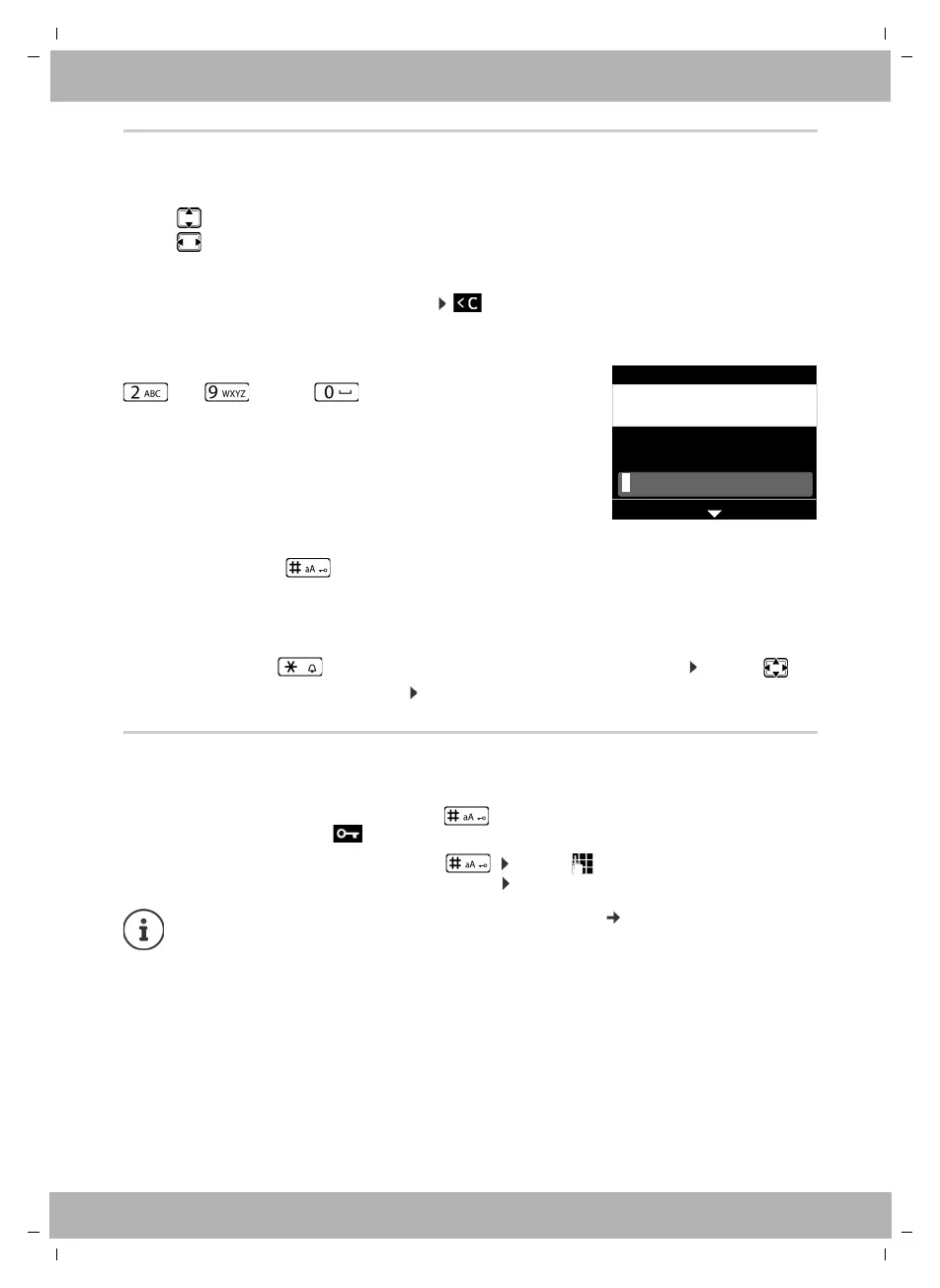
Entering text
Input position
¤ Use to select an entry field. A field is activated when the cursor is blinking inside it.
¤ Use to move the position of the cursor.
Correcting incorrect entries
Delete characters to the left of the cursor:
Entering letters/characters
Switch between lower case, upper case and digit entry mode:
¤ Press the Hash key . . . the mode set is displayed at the bottom on the right
When editing a directory entry, the first letter and each letter following a space is
automatically in upper case.
Entering special characters:
¤ Press the Star key . . . the available special characters are displayed . . . use to
navigate to the character you want OK
Locking/unlocking the keypad
The keypad lock prevents any accidental use of the telephone.
Multiple letters and digits are assigned to each key between
and and the key. As soon as a key is
pressed, the possible characters are displayed at the bot-
tom of the display.
The selected character is highlighted.
Select letters/digits:
¤ Press the key briefly several times in succession
Locking the keypad: ¤ Press and hold . . . the following icon appears on the display
Unlocking the keypad: ¤ Press and hold . . . use to enter the keypad lock PIN
(default setting: 1234) OK
Changing the keypad lock PIN with the Web configurator: page 31
If a call is indicated on the handset, the keypad automatically unlocks and you can
accept the call. It then locks again when the call is finished.
It is not possible to call emergency numbers either when keypad lock is activated.
Edit Entry
SetBack
Pa|
First Name:
Artmann
Surname:
abc2äáàâãç abc



 To Next Page