elmeg IP630 / en / elmeg IP630 / telephony.fm / 8/24/16
Template bintec-elmeg, Version 1, 01.07.2014
15
elmeg IP630
bintec elmeg Making calls
Cancelling ringback
¤ . . . use to select Select Services OK Cancel Ringback OK
Anonymous calling
Withhold Calling Line Identification. The number is not shown to the person receiving the call.
¤ . . . use to select Select Services OK Withhold Number OK
if necessary, use to select a line Change ( = calls are anonymous)
Incoming calls
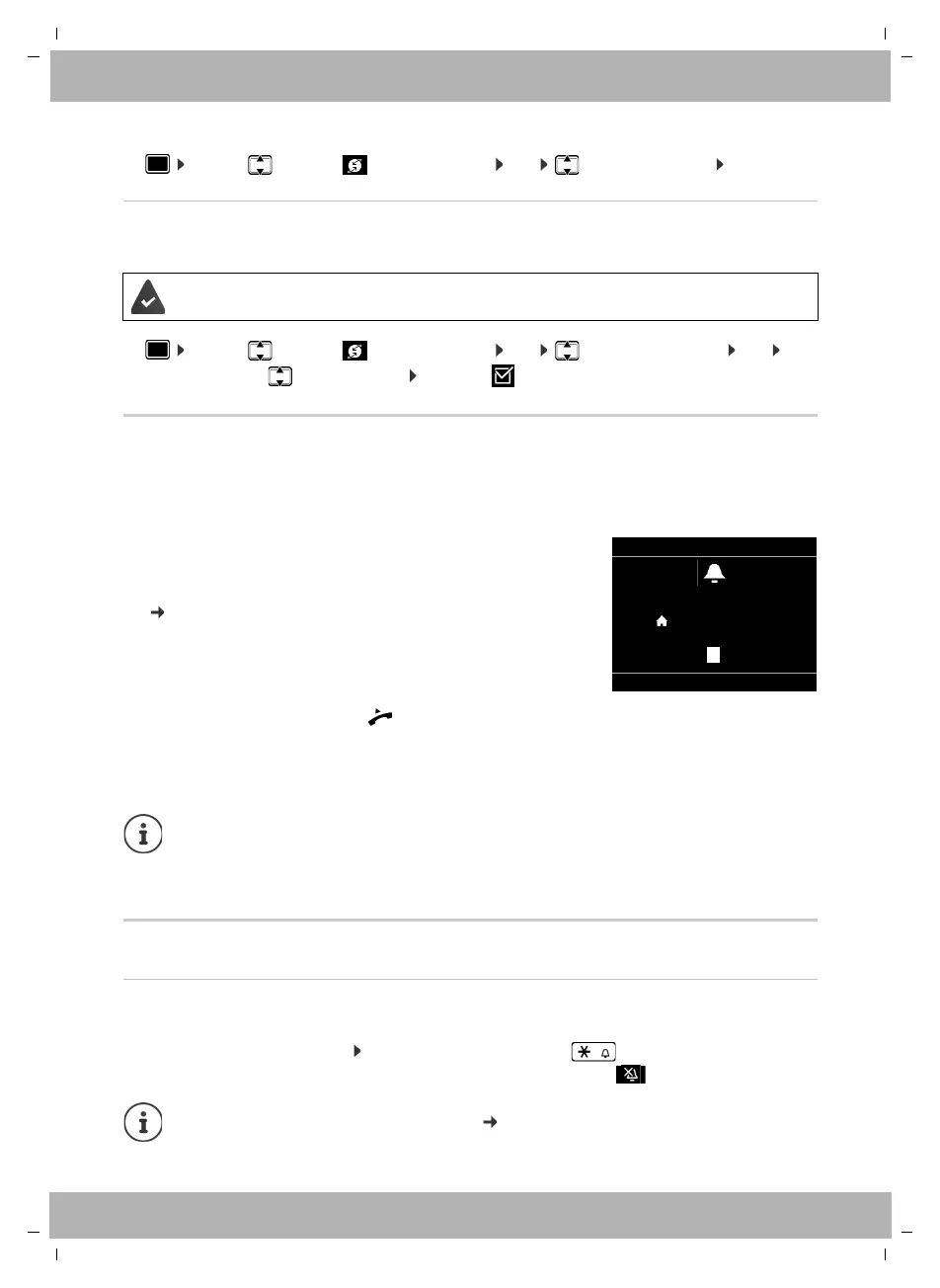
An incoming call is indicated by ringing, by a display on the screen and by the flashing Status
LED.
The display shows
Protection from incoming calls
Activating/deactivating the ringtone
An incoming call is not signalled by ringing, but is displayed on the screen.
Switching the ringtone on/off: Press and hold the Star key
Ringtone is switched off: the following icon appears on the display
The PABX or the provider supports this function.
• Incoming Call in the header
• the caller's name if it has been stored in the directory
• the caller's number if it has been transmitted
( page 15)
• the line on which the call is coming in on
• a picture of the caller, if one has been transmitted (CNIP)
Accepting the call: ¤ lift the handset
Switching the ringtone off: ¤ Silence
Rejecting the call: ¤ Reject
If the call is a ringback, Ringback is displayed in the header.
When a call comes in, the system looks for a matching entry in the local directory. If
the number is not found there, other directories are searched, if any have been
configured.
Ringtone silencing for anonymous calls: page 27.
Incoming Call
SilenceReject
12:15
via 1 IP1
Peter Smith
089123456789
089123456789
) (
)
(



 To Next Page