elmeg IP630 / en / elmeg IP630 / telephony.fm / 8/24/16
Template bintec-elmeg, Version 1, 01.07.2014
14
elmeg IP630
bintec elmegMaking calls
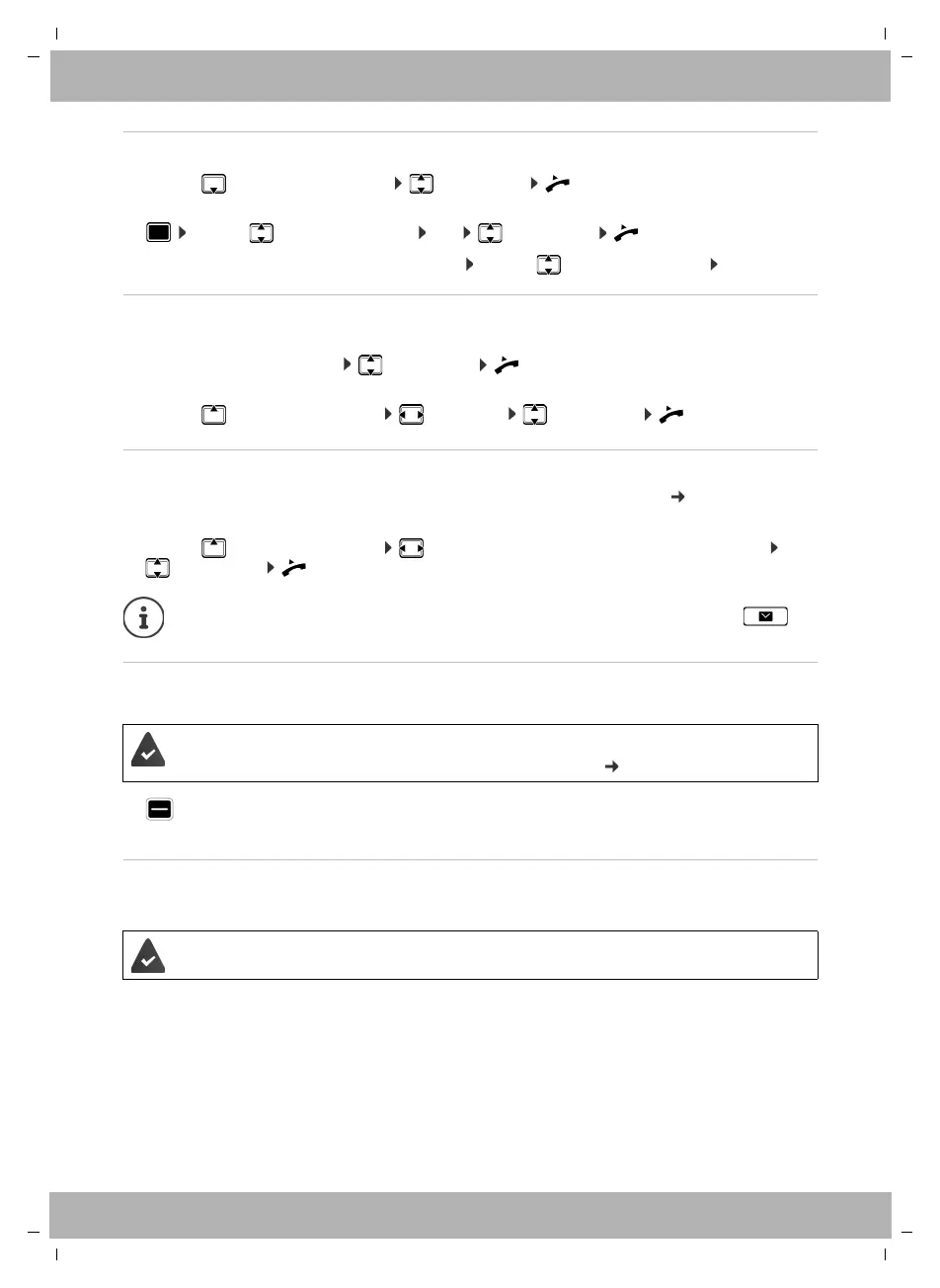
Dialling from the directory
¤ . . . use to open the directory select entry lift the handset
or
¤ . . . use to select Contacts OK select entry lift the handset
More than one number in the directory entry: . . . use to select a number OK
Dialling from the redial list
The redial list contains the most recently dialled numbers.
¤ In idle status press Redial select entry lift the handset
or
¤ . . . use to open the call lists Outgoing select entry lift the handset
Dialling from a call list
The call lists contain the most recent accepted, outgoing and missed calls ( page 20). If the
number is saved in the directory, the name is displayed.
¤ . . . use to open the call lists select a list (All, Accepted, Missed, Outgoing)
select entry lift the handset
Dialling a number using a function key
Dialling numbers with one press of a function key.
¤ Press the function key . . . the number saved for the function key is dialled, the handsfree
function is activated
Ringback
Asking for a ring back when the line of a participant you have called is busy.
Initiating ringback
¤ Ringback . . . the ringback request is registered
When the other participant's line is free, the ringback is initiated. The telephone rings,
Ringback is displayed in the header.
There can be an active ringback on each line.
The list of new missed calls can also be opened by pressing the Message key .
A number has been assigned to the function key.
Assigning numbers to function keys: Web configurator ( page 36).
The PABX or the provider supports this function.



 To Next Page