elmeg IP630 / en / elmeg IP630 / call_lists.fm / 8/24/16
Template bintec-elmeg, Version 1, 01.07.2014
22
elmeg IP630
bintec elmegVoice mails
Voice mails
Managing messages stored in a network mailbox. Every network mailbox accepts incoming
calls on the corresponding VoIP phone number.
Playing back voice mails
¤ Press the Message key OK . . . if necessary, use to select the answer machine
(connection) OK . . . all the voice mails for the connection are displayed use to select
an entry Play . . . the message is played back through the speaker on the telephone
Editing voice mails
¤ Press the Message key OK . . . if necessary, use to select the answer machine
(connection) OK . . . all voice mails for the connection are displayed select entry . . .
then
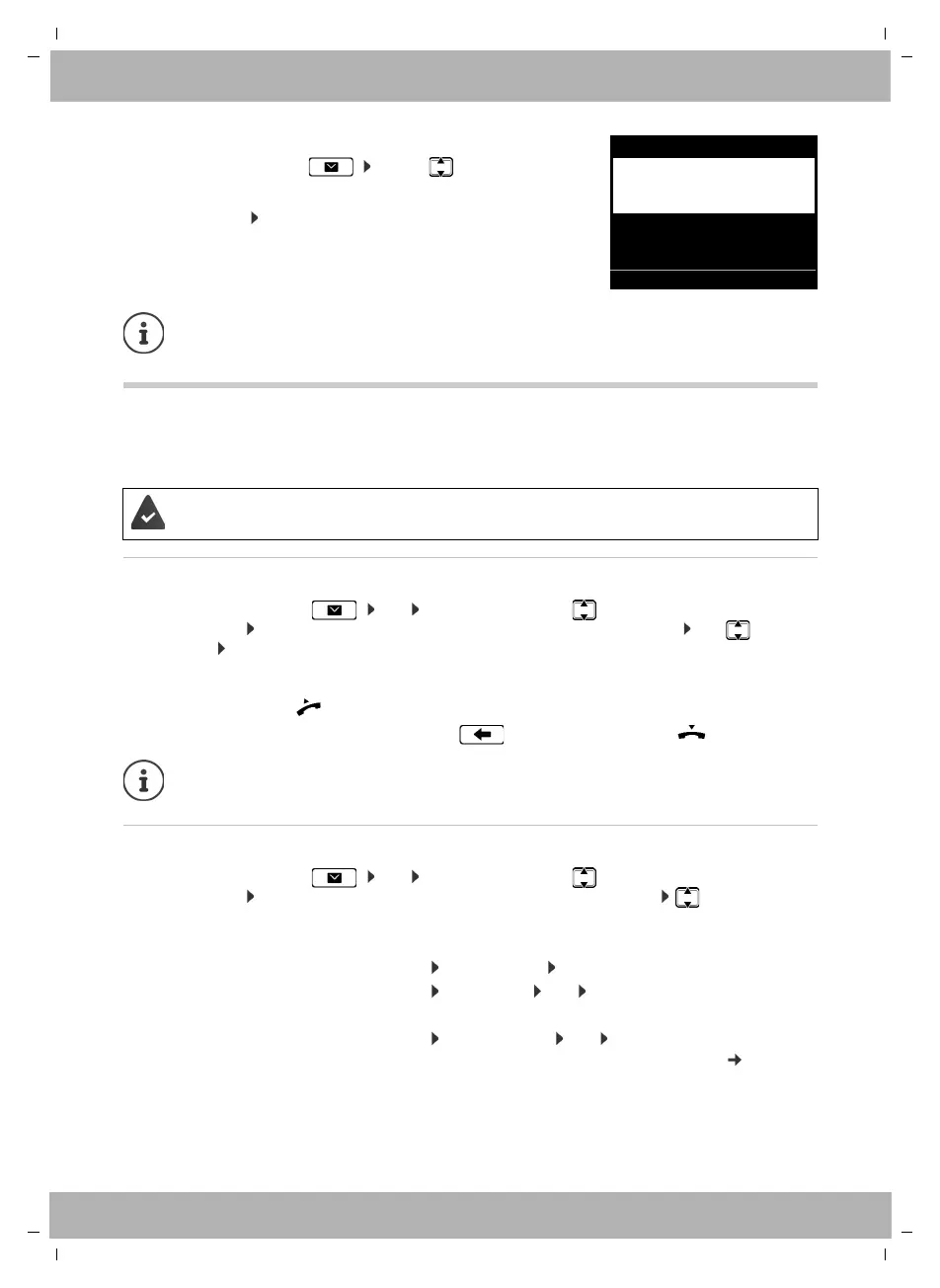
Opening the Message Centre:
¤ Press the Message key . . . use to select the
message type (Voice Mail or
Missed Calls) OK
The Voice Mail list is always displayed, when an answer machine is stored in the
telephone, the Missed Calls list only if it contains messages.
The administrator has entered the network mailbox(es) in the telephone with the Web
configurator or there is an answer machine available with the PABX.
Listening to messages through the handset:
¤ Lift the handset
Ending playback: ¤ Press the End Call key or replace the handset
An incoming call ends playback.
Viewing call details:
¤ View
Deleting the recording:
¤ Options Delete Entry OK
Deleting all entries:
¤ Options Delete List OK Confirm prompt with Ye s
Transferring the number to the directory:
¤ Options Save Number OK create a new entry in the
directory or add the number to an existing entry ( page 23)
OKBack
Messages
Missed Calls
missed calls
Voice Mail
new messages
old messages
4
14
11



 To Next Page