ET8/480, ET8/480S and ET8/480PT - TECHNICAL MANUAL - 29
11.3 User and installer log-in
The log-in operations enable the identification and authentication of the operator and allow access to the user interface
structures assigned to modify the security of the system.
Three types of log-in exist:
11.4 User and installer identification
From “prompt” type in the two-figure identification number of the user (00 = INSTALLER, 01 - 32 = USER).
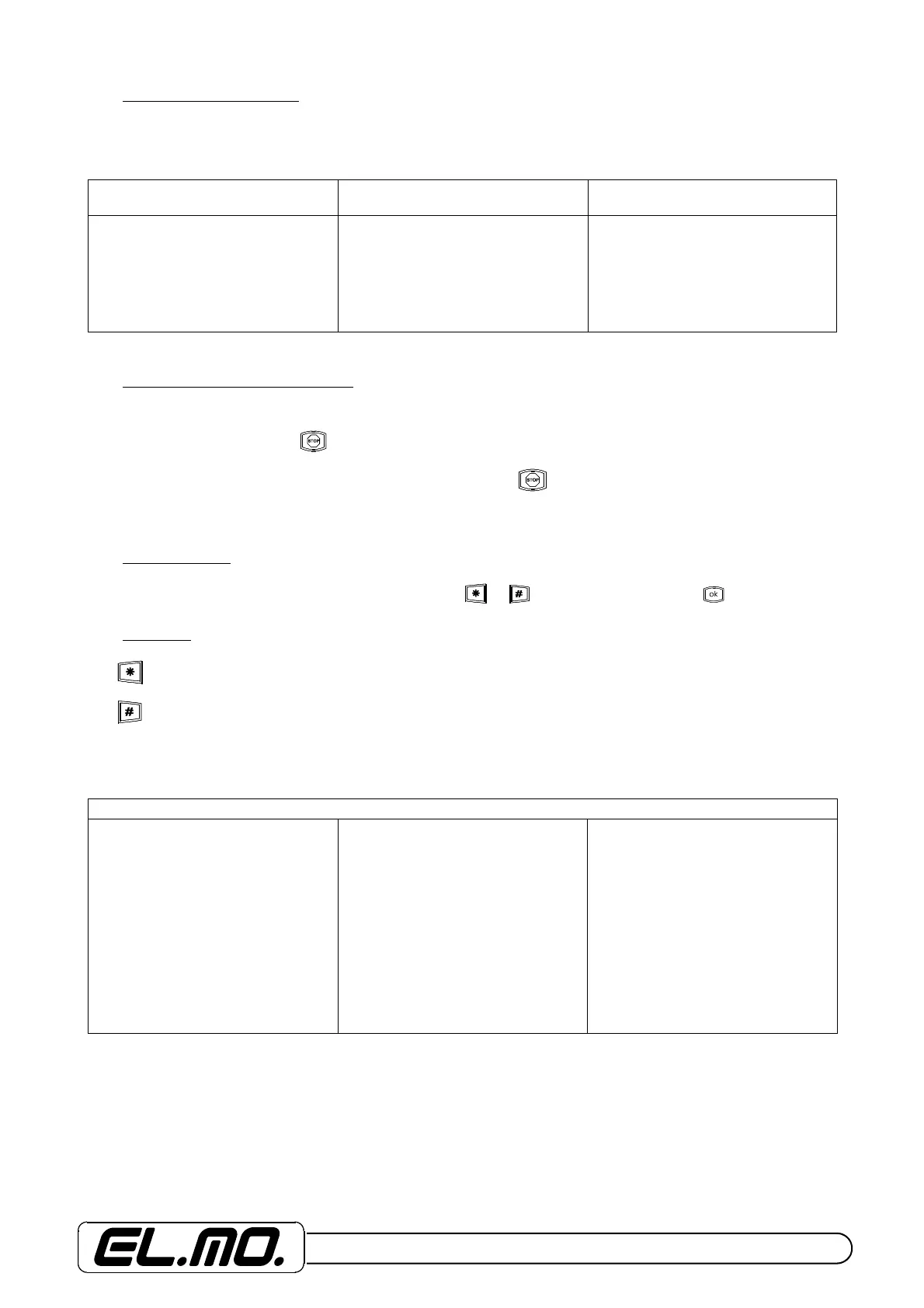
On pressing the first key, the key will light up.
On pressing the second key (if the user number is accepted), the key will start to blink indicating that the authentica-
tio procedures are pending (on keyboards with LCDs, the user number will be translated by the control unit into the user
name).
11.5 Authentication
In this phase the six figures of the codes and any modifiers ( or ) are input, followed by the key.
11.6 Modifiers
The key requires the log-in for configuration.
The key requires the log-in for maximum security.
Following the successeful outcome of identification and authentication, in relation to the type of log-in requested and con-
cerning the configuration of the user, the system will take the user interface to the following status:
The EURO-type command cannot be utilised with operations carried out on the I6 and I7-type remote readers.
STANDARD LOG-IN MAXIMUM SECURITY LOG-IN
MINOR MAINTENANCE LOG-IN
(MUM)
Access for giving the control unit
general or zone-based enabling or
disabling commands.
Access for giving the control unit
general or zone-based enabling or
disabling commands with MAXIMUM
SECURITY importance used as
impediment of the extinguishing
function for users lacking this specific
login attribute.
The user can access the various
minor maintenance menus which do
not expressly request the
intervention of the installer; access to
the functions permitted in
configuration mode are indicated with
the lettering MUM (minor user
maintenance).
PRE-ENABLING
“Standard” mode
Enabling of the zone and/or of the
sections associated with the user
code with the possibility to choose
the sections to be kept disabled,
within 3 seconds of the command
being given, disabling is complete.
“Special” mode
Enabling of the zone and/or of the
sections associated with the user
code with the possibility to choose
the sections to be kept disabled,
within 3 seconds of the command
being given; during the disabling
phase the command is carried out
only on sections with enabled
authorisation.
“Euro” mode
Enabling of the zone and/or of the
sections associated with the user
code with the possibility to choose
the sections to be kept disabled,
within 3 seconds of the command
being given; during the disabling
phase the command enables a
period of 5 seconds for choosing the
sections to disable for which
command authorisation is
possessed. In the event no choice is
made, the command is ignored.


 To Next Page