ET8/480, ET8/480S and ET8/480PT - TECHNICAL MANUAL - 33
13. CONFIGURATION MENU
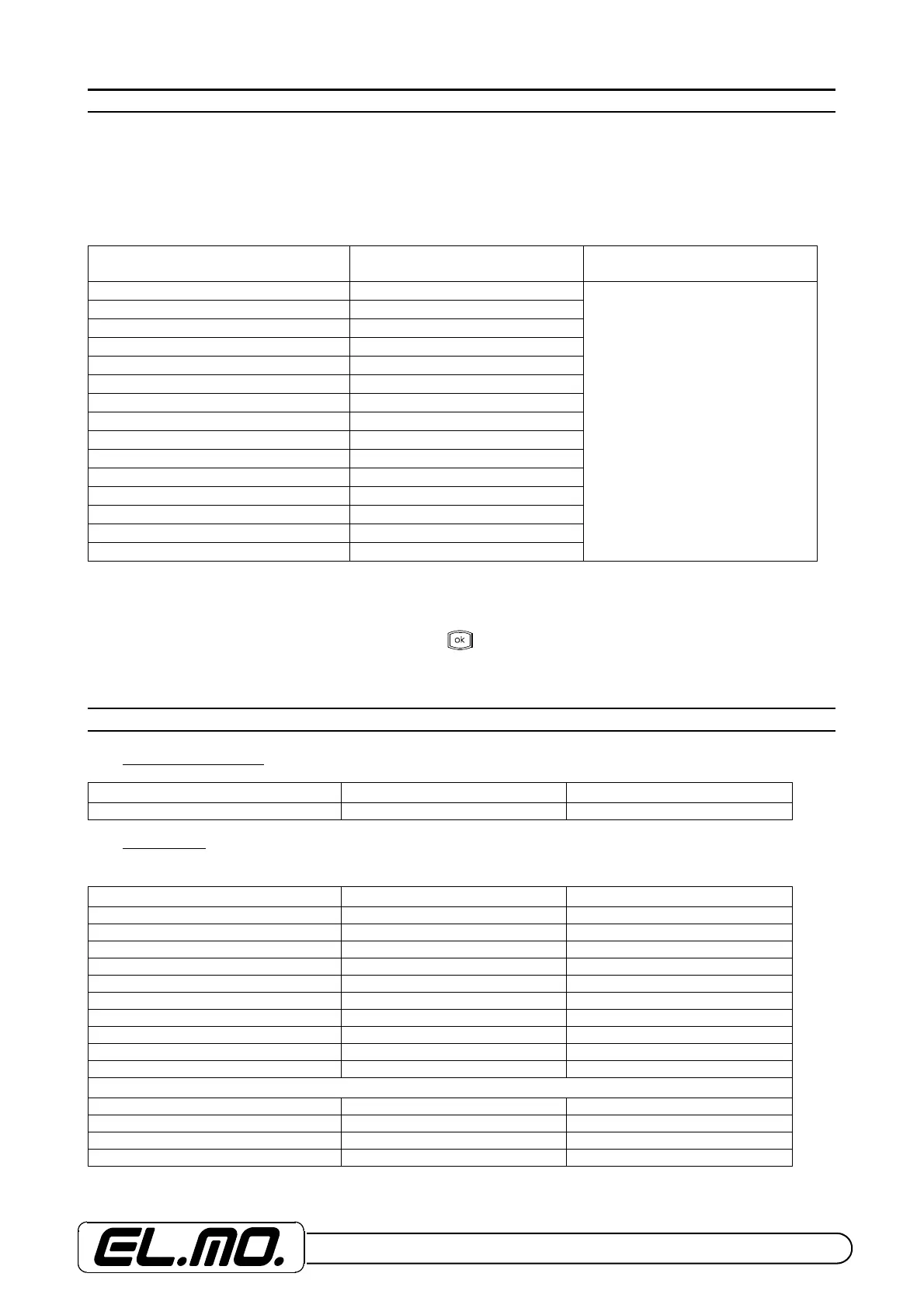
List of the principal configuration menus of the control unit:
The ET8/480 control unit is structured in order to enable access to two programming menus denominated:
ACTIONS and CONFIGURATION
In the following table, the sub-menus available are listed:
NOTE: * = menu access only by user code * = menu access by MUM attribute
Given the importance of the two menus, we will start with an explanation of the sub-menus relating to the CONFIGURA-
TION menu and subsequently the commands available in the ACTIONS menu will be described. In the afore-mentioned
menus, the INSTALLER LOG-IN is accessed by pressing and the keys 1 for ACTIONS, 2 for CONFIGURATION and
3 for INPUTS DISABLING. In this display stage, the Firmware version loaded in the internal memory of the control unit is
also indicated.
14. ACCESS CODE
14.1 Programming code
14.2 User codes
User code examples:
Key 1
ACTIONS MENU
Key 2
CONFIGURATION MENU
Key 3
OUTPUTS DISABLING MENU
MEMORY READING CLOCK**
See Par. 17.4
DAY - TEMP. TYPE USERS**
OVERTIME REQUEST* INPUTS OUTPUTS**
REMOTE ASSISTANCE SYSTEM OPTIONS**
MONITOR INPUTS VOICE TELEPHONE NUMBER**
INTERNAL DIALLER
VOICE AND REPORT CODE
MULTI-FUNCTIONS TIMER
MFT INPUTS
ZONES
KEYBOARDS
EVENTS REGISTRATION
HOUR PROGRAMMER
LIST OF EXCEPTIONS
CEI 79-5 / 79-6 PARAMETERS
PROGRAMMING INSTALLER LOG-IN DEFAULT CODE
00 888888
USER NUMBER LOG-IN START DEFAULT CODE
1 01 111111
2 02 222222
3 03 333333
4 04 444444
5 05 555555
6 06 666666
7 07 777777
8 08 888888
9 09 999999
10 10 000000
EXAMPLES OF OTHERS USER CODES
11 11 111111
21 21 111111
20 20 000000
32 32 222222


 To Next Page