23
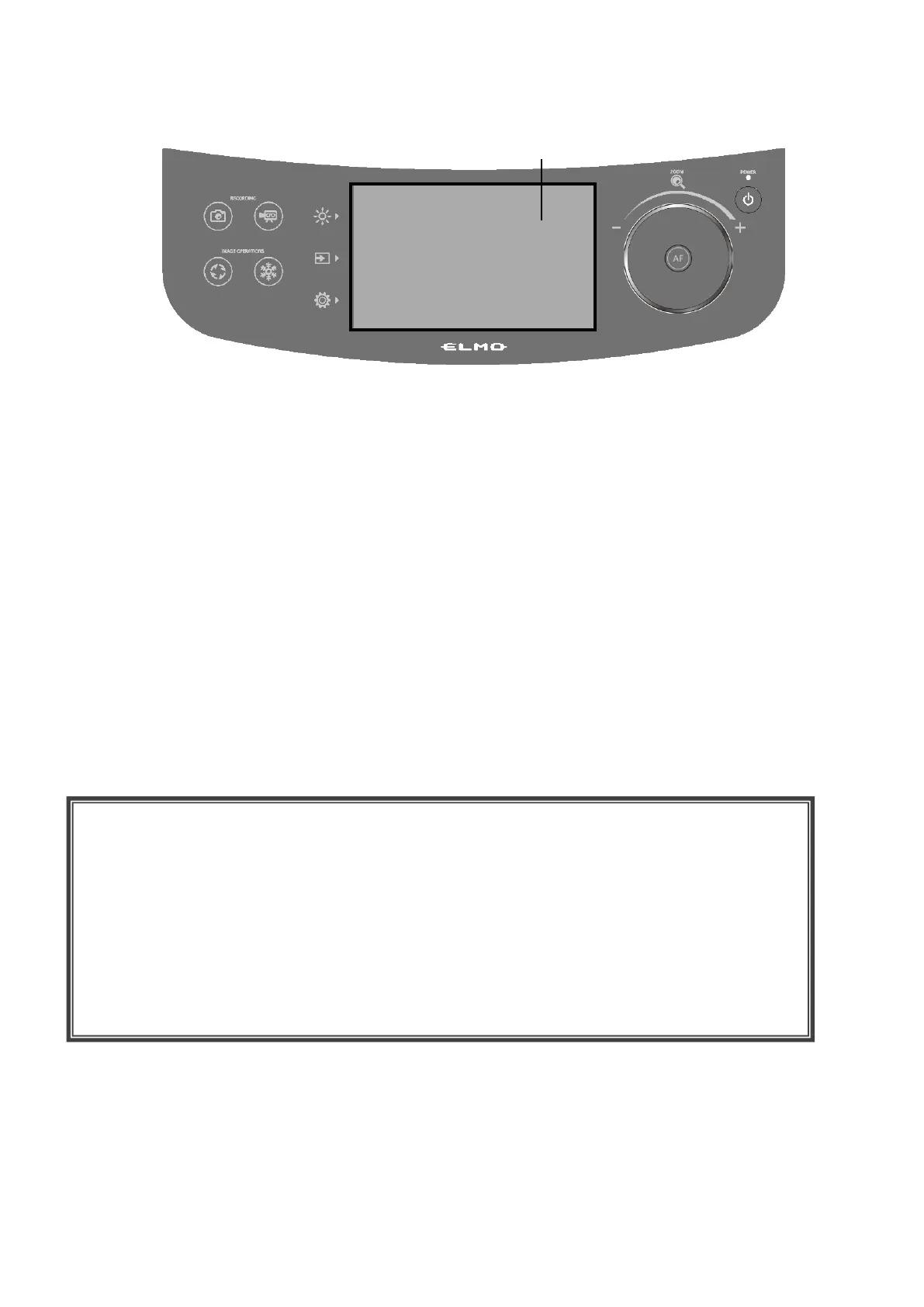
◆USING THE LCD TOUCHSCREEN
The PX-10E/30E can be controlled using the LCD touchscreen.
STARTUP SCREEN
When the PX-10E/30E is started, the startup screen appears on the LCD touchscreen, and then
the camera image appears.
HOW TO USE THE LCD TOUCHSCREEN
①Tap
By tapping an icon on the LCD touchscreen, you can select a function and operate.
The color of the touched icon changes.
②Drag
By sliding your finger across the LCD touchscreen surface while touching the item, you can
operate it. When the Presentation function (Mask) is in use, you can move the area.
③Flick
By quickly moving your finger or flicking on the LCD touchscreen, you can move pages or files.
④Slide
Horizontal bar: You can change the setting value by sliding the bar left and right while touching the
icon of the current setting value.
Vertical bar: You can change the setting value by sliding the bar up and down while touching the
icon of the current setting value.
CAUTION
・A protective sheet is attached to the surface of the LCD touchscreen to avoid scratches
during transportation. Remove the sheet gently before use.
・Do not press the LCD touchscreen strongly by finger or sharp objects. This can cause
damage or malfunction.
・Do not put a thing on the LCD touchscreen.
・The LCD touchscreen may not work properly if you operate it with a wet finger or with two
fingers.
・Do not use the product near equipment that generates electrical noise. This can cause
malfunction.



 To Next Page