35
◆RECORDING
STILL IMAGE
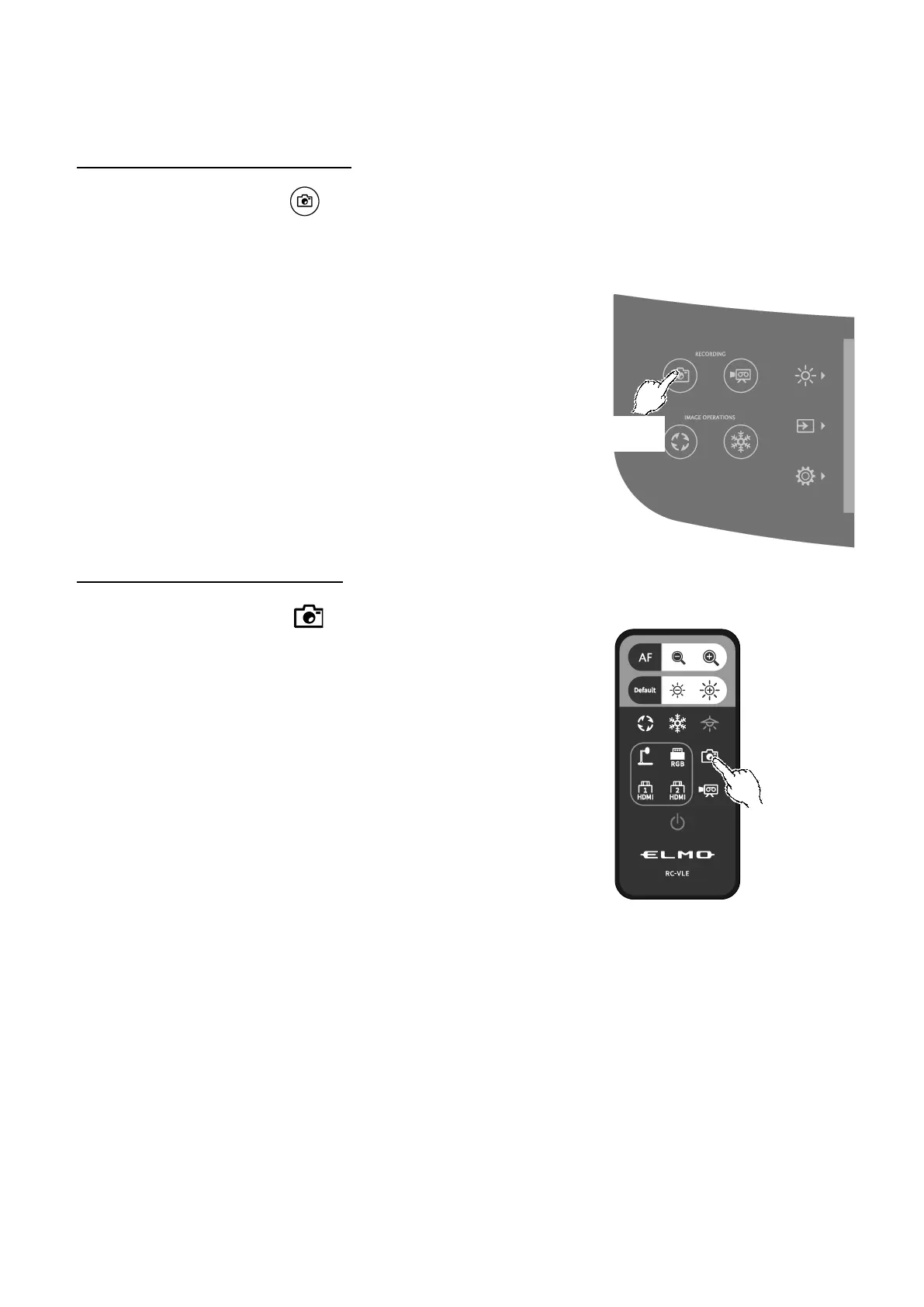
Recording using the operating panel
①Press the Capture button [ ] on the operating panel to record a still image.
②Recording is performed when a mark appears on the preview image displayed on the LCD
touchscreen.
Recording using the remote control
①Press the Capture button [ ] on the remote control.
②Recording is performed when a mark appears on the output image.



 To Next Page