1. Open the Interface Terminal Cover.
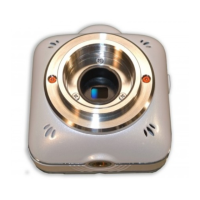
2. Connect the camera to a TV or projector using a commercially available HDMI cable.
(The HDMI cable needs to have micro D connector.)
3. Press the Power Switch of the camera for longer than 1 second to turn on the camera.
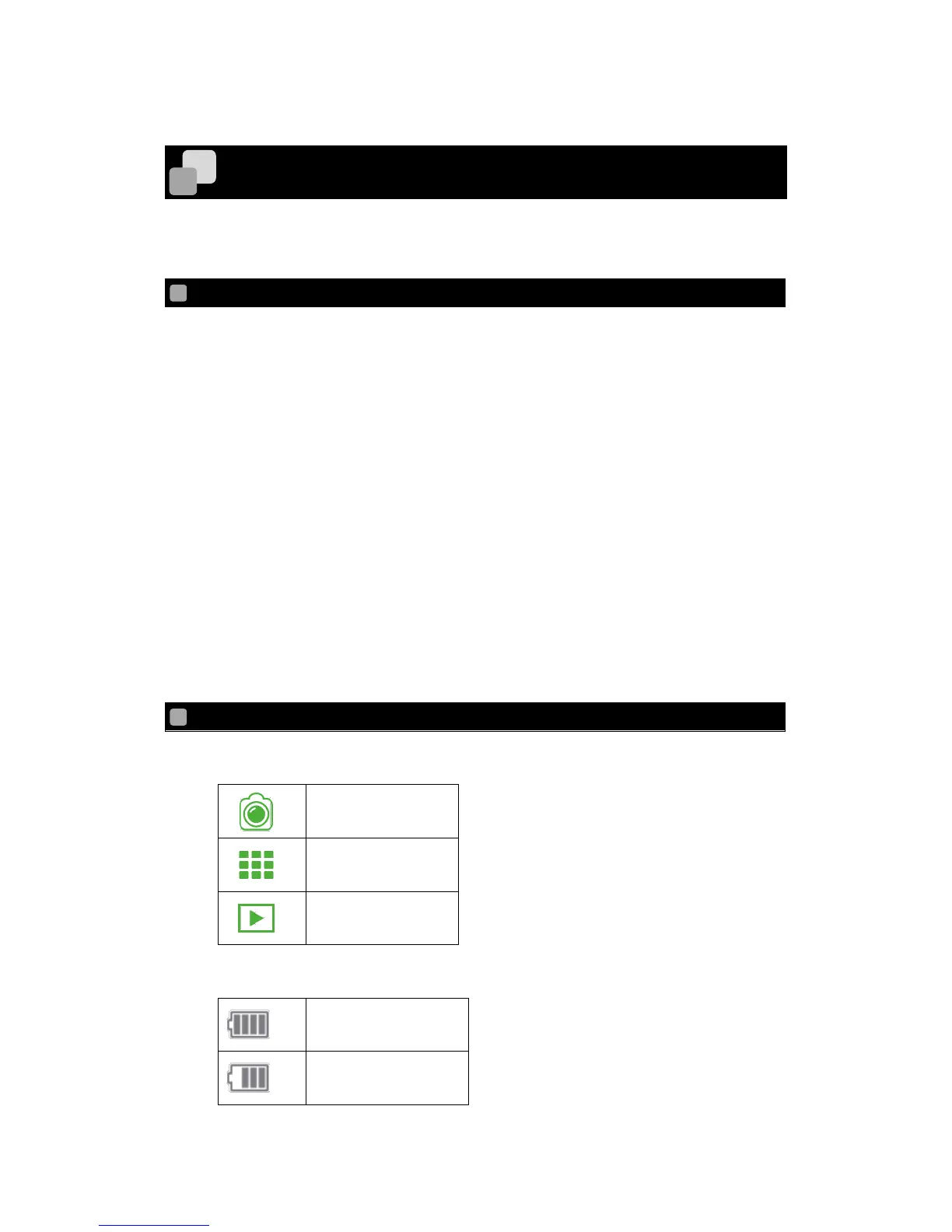
The live view appears on the TV monitor or screen of the projector after the camera is
started.
4. The live view changes to the Thumbnail mode after the Power Switch is pressed for
short.
5. In the Thumbnail mode you can see thumbnails of the recorded files (movie / photo).
Select the file to be displayed using the Power Switch.
6. Press the Recording Switch to play the selected file. (Playback mode)
7. Select the Thumbnail mode after the playback of the file is finished. Then press the
Recording Switch to return to the Thumbnail mode.



 To Next Page