EasyManua.ls Logo

Elmo QBiC MS-1 - Explanations for Icons of Qbic App; Movie Recording; Photo Recording; Grid Display

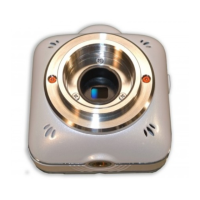
Elmo QBiC MS-1
58 pages
Print Icon
To Next Page IconTo Next Page
To Previous Page IconTo Previous Page
Loading...
38
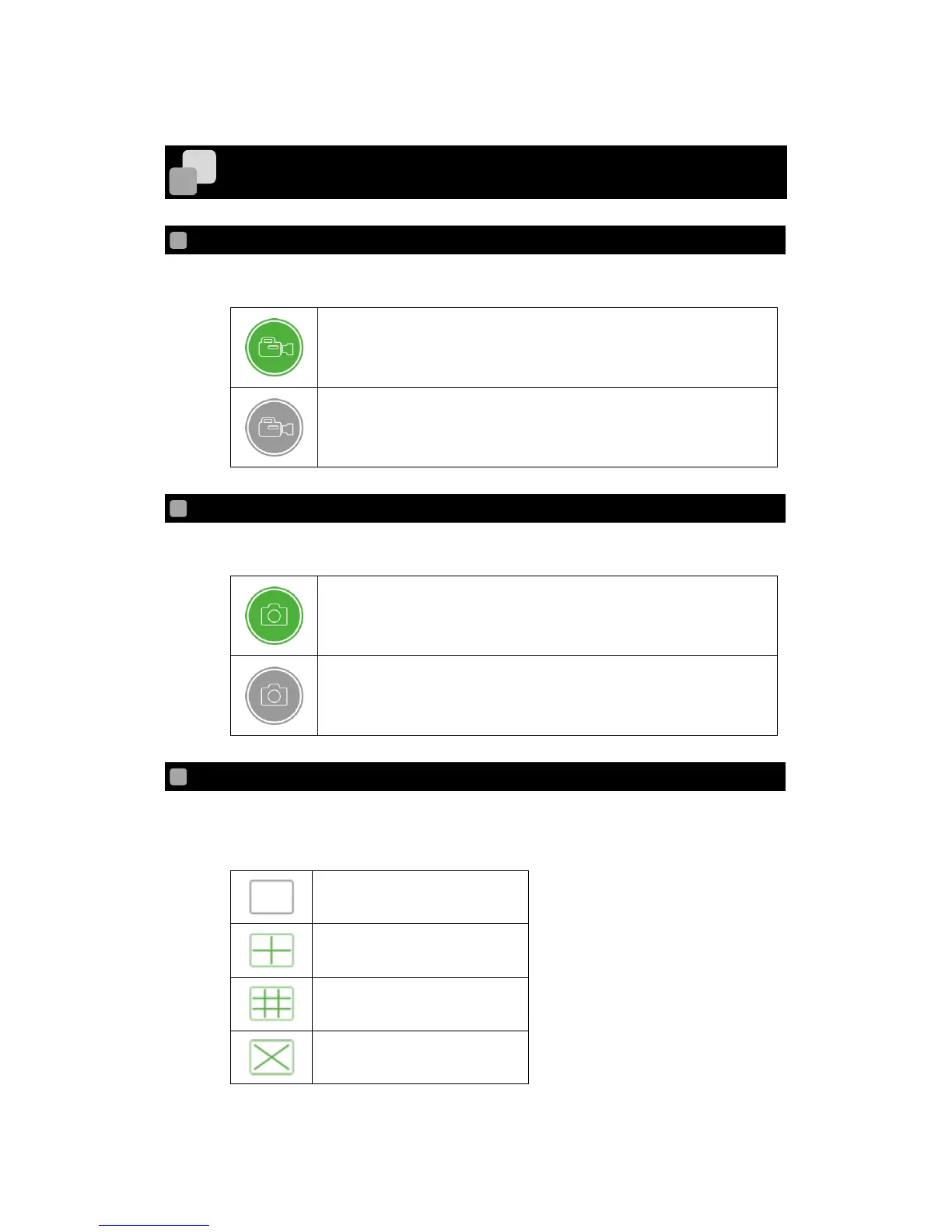
EXPLANATIONS FOR ICONS OF QBIC APP
To start or stop movie recording.
This icon is green when a smart device is viewed in vertical way.
This icon is grey when a smart device is viewed in horizontal way.
To take a photo.
This icon is green when a smart device is viewed in vertical way.
This icon is grey when a smart device is viewed in horizontal way.
To change the grid display during the Live Viewing.
The grid display changes each time the icon is tapped.
Single grid display
Quad display
3 x 3 display
Diagonal display

Other manuals for Elmo QBiC MS-1

Related product manuals