28
VARIOUS
FUNCTIONS AND
OPERATIONS
Image selection
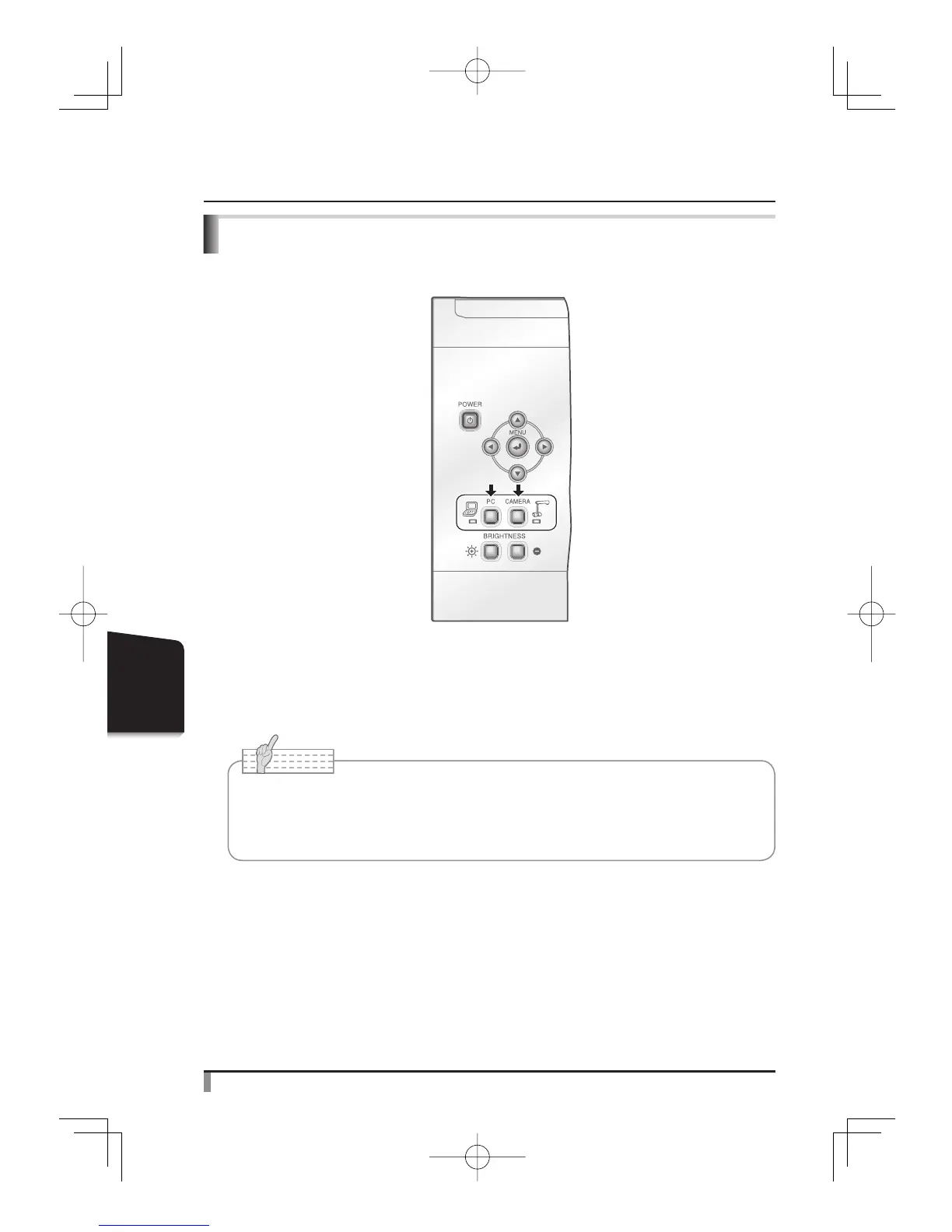
The camera image and the image input in the RGB input terminal [RGB IN] can be switched
by pressing the [CAMERA] button and the [PC] button respectively.
By using these functions, output images can be switched without disconnecting cables.
Note
• The [PC] button can not be used when the dip switch is set to VIDEO.
• When using a laptop PC with external output selection equipped, set the output
mode of the PC to “external” after pressing the [PC] button on the main unit.



 To Next Page