14
1
3
2
5
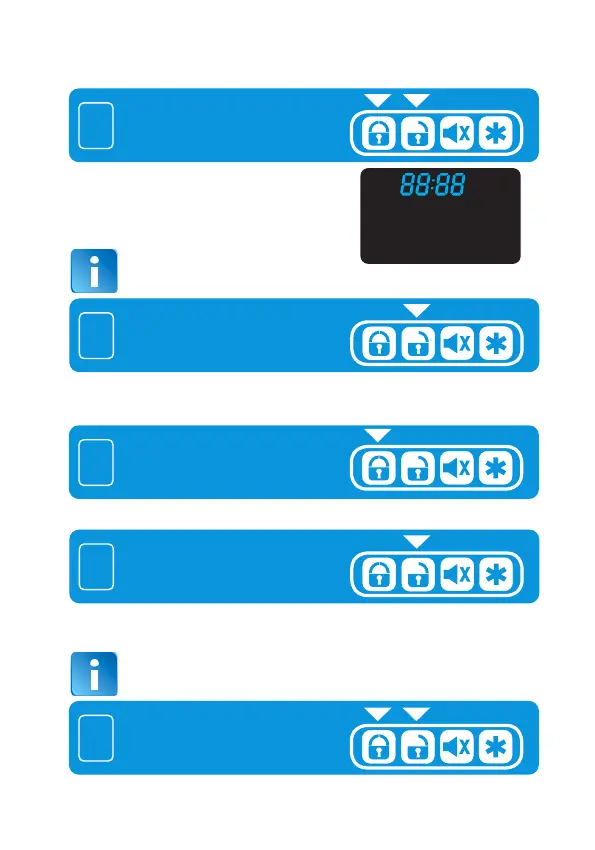
Press and hold remote button 1
and button 2 for 1sec together.
Press remote button 1
Press remote button 2
Press and hold remote button 1
and button 2 for 1sec together.
2.22 TIME CLOCK SETTING
LCD transmitter will respond with a “Bi” sound
and the hour and minute icon will appear on
the LCD screen confirming that you are in the
time clock setting, the hour digit will flash.
The hour digit it will flash quickly within 10 sec
Press and release and press again as many times as necessary, to
increase or decrease the hour digits. Setting is cyclic (1 to 23).
Choose from hour to minutes, → with the corresponding digit flashing.
4
Press remote button 2
Press and release and press again as many times as necessary to
increase or decrease the minute digits. Setting is cyclic (1 to 60).
Save the set state, and exit from setting menu


 To Next Page