48
Blood Glucose Monitoring System
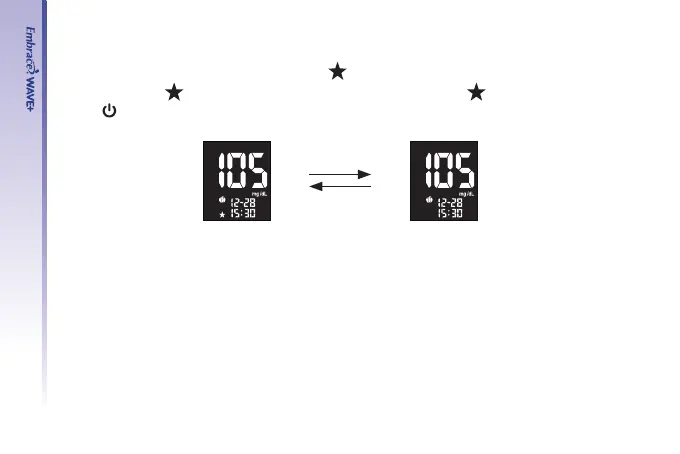
Step 8- Select the asterisk marker
After selecting exercise marker, a ashing “
” icon appears on the screen. You can mark
your result with “
” for a special event. Use “▲” or “▼” to select “ ” or remain blank.
Press “
” to conrm your choice, and the result will be stored in memory.
Step 9.
Remove the used test strip by pulling it out with your hand and throw it into a proper
wastebasket and the meter will turn off automatically.
The meter will also time-out after 1.5 minutes of inactivity.
Step 10
Remove the used lancet from your lancing device according to instructions and discard into
a proper wastebasket according to your healthcare provider’s instructions.
Down
UP



 To Next Page