47
Blood Glucose Monitoring System
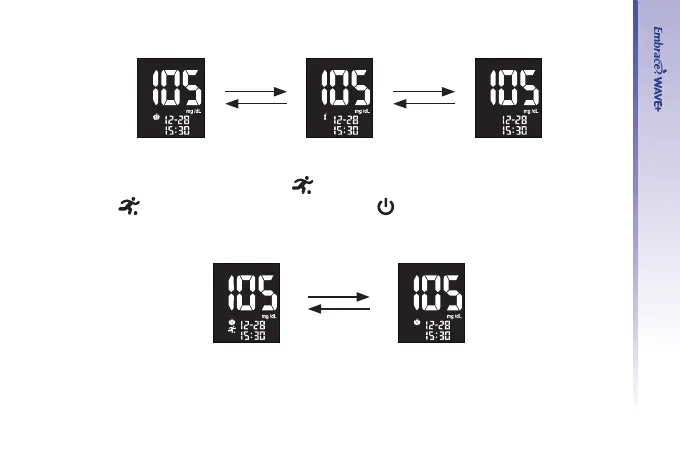
Step 7- Select the exercise marker
After selecting meal state, a ashing “
” icon appears on the screen. Use either “▲” or “▼”
to select “
” for exercise or remain blank. Press “ ” to conrm your choice and advance
to select the asterisk marker.
Down
UP
Down
UP
Down
UP



 To Next Page