56
Blood Glucose Monitoring System
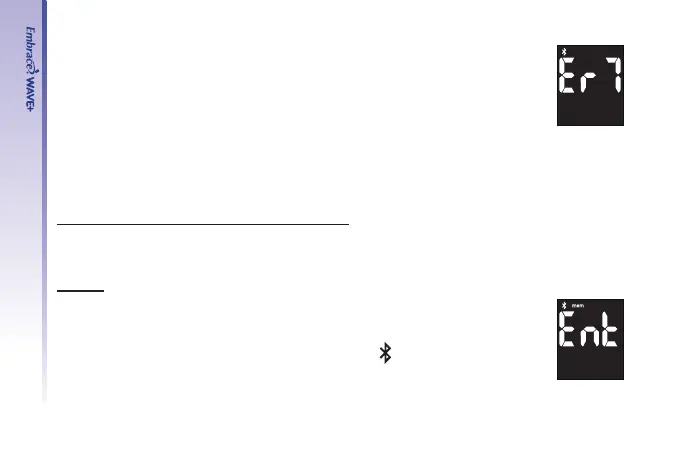
• If data transmission via Bluetooth fails, Er7 is displayed on the screen of
the meter.
See page 68 to solve problems.
Step 6.
After the data transfer is completed, turn off the meter or it will automatically turn off after
1.5 min of inactivity.
UPLOADING READINGS FROM THE MEMORY
Step 1.
Follow the steps beginning on page 50 to view stored readings in the memory
Pairing
Step 2.
To make a Bluetooth transfer, open the app on your mobile device and follow
the app instructions to pairing the meter.
The screen will show “Ent” and the Bluetooth icon “
” shall be ashing on
the meter.



 To Next Page