INTRODUCTION
Thank you for your purchase!
We hope you will enjoy working with
the EMDR Kit. If your order is incom-
plete or if your product shows any
damage or defect, please let us know
within 14 days of delivery. This manual
has all the necessary information to
operate the EMDR Kit in a safe and
enjoyable way. Please read it carefully.
If anything is unclear or if you have
any questions, visit our website:
www.emdrkit.com
For convenience, this manual will refer
to a phone in it’s explanations. How-
ever, the EMDR Kit can be used with
either a smartphone or a tablet.
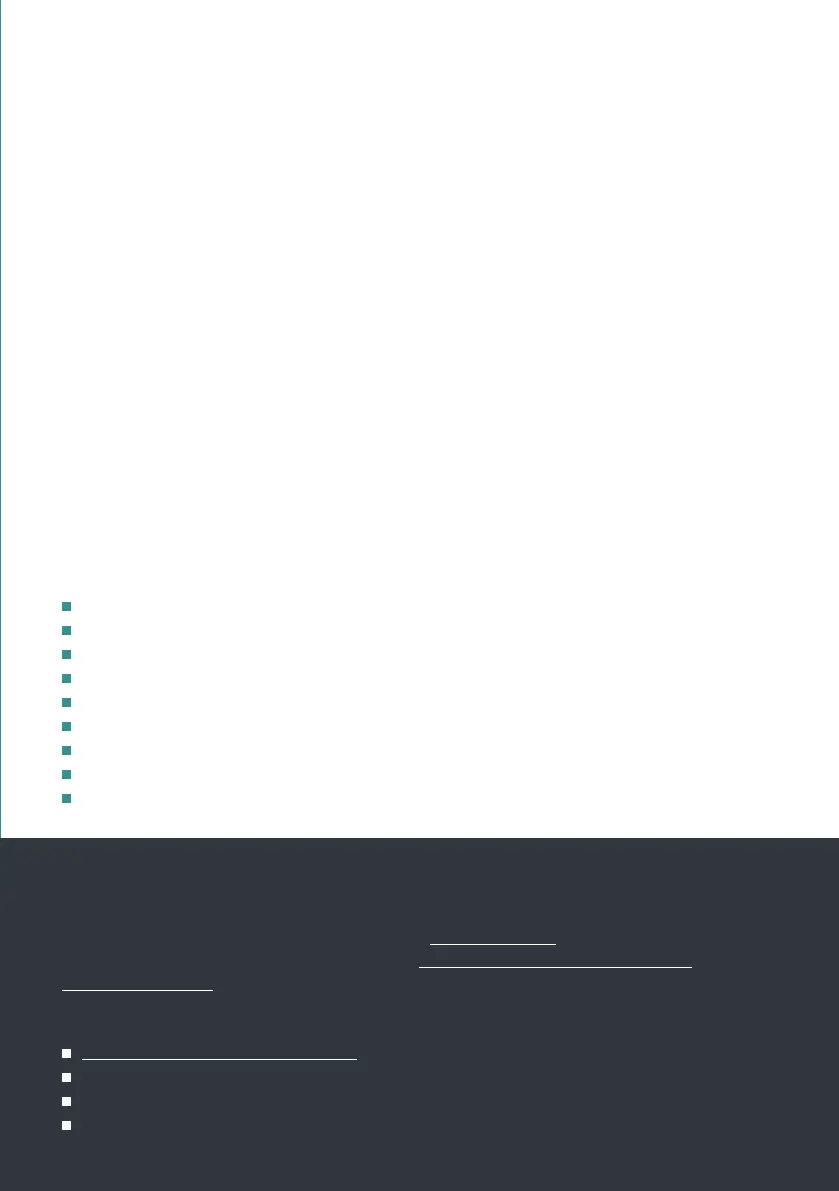
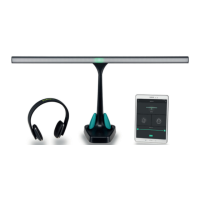
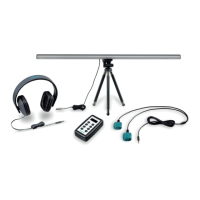
The complete EMDR Kit Wireless set
consists of the following parts:
Light Tube
Headphone
EMDR Kit app (free to download)
Tripod
Dockingstation
Pulsators (2x)
Chargers (2x)
Tablet stand (optional)
Bag (optional)
1. To control the EMDR Kit, download
the EMDR Kit app from the Google
play store or iOS App store. It is free
to download.
2. Before using the EMDR Kit for the
rst time, charge the Light tube and
Pulsators with the provided charg-
ers and dockingstation until the LED
lights on the Pulsators and Light
Tube turn green. Until then, they
will blink red. The Pulsators can be
charged by rmly pressing them into
the dockingstations and attaching
the charger to the power supply.
3. All parts work with Bluetooth. Turn
on Bluetooth on your phone and
also make sure you allow access to
location if asked for.
4. The Light Tube and Pulsators only
need to be connected once. If the
app is opened at a later time, it will
automatically restore the connec-
tion to the parts that it was previ-
ously connected to.
IMPORTANT
It is possible for some dirt or dust on the contact points of the
Pulsator and within the dockingstations. This dust or dirt can hinder the
charging process.
We recommend cleaning these contact points of the pulsators and docking
stations regularly with a wipe with some cleaning alcohol.
Only use the provided chargers. Do not modify the chargers in any way.
Make sure the iOS / Android version on your phone / tablet is up to date.
Remove the app from your phone and reinstall it every once in a while.
We recommend not to charge the parts for longer than 12 hours.
3


 To Next Page