FB1200 Flow Computer Quick Start Guide
D301786X012
November 2023
3
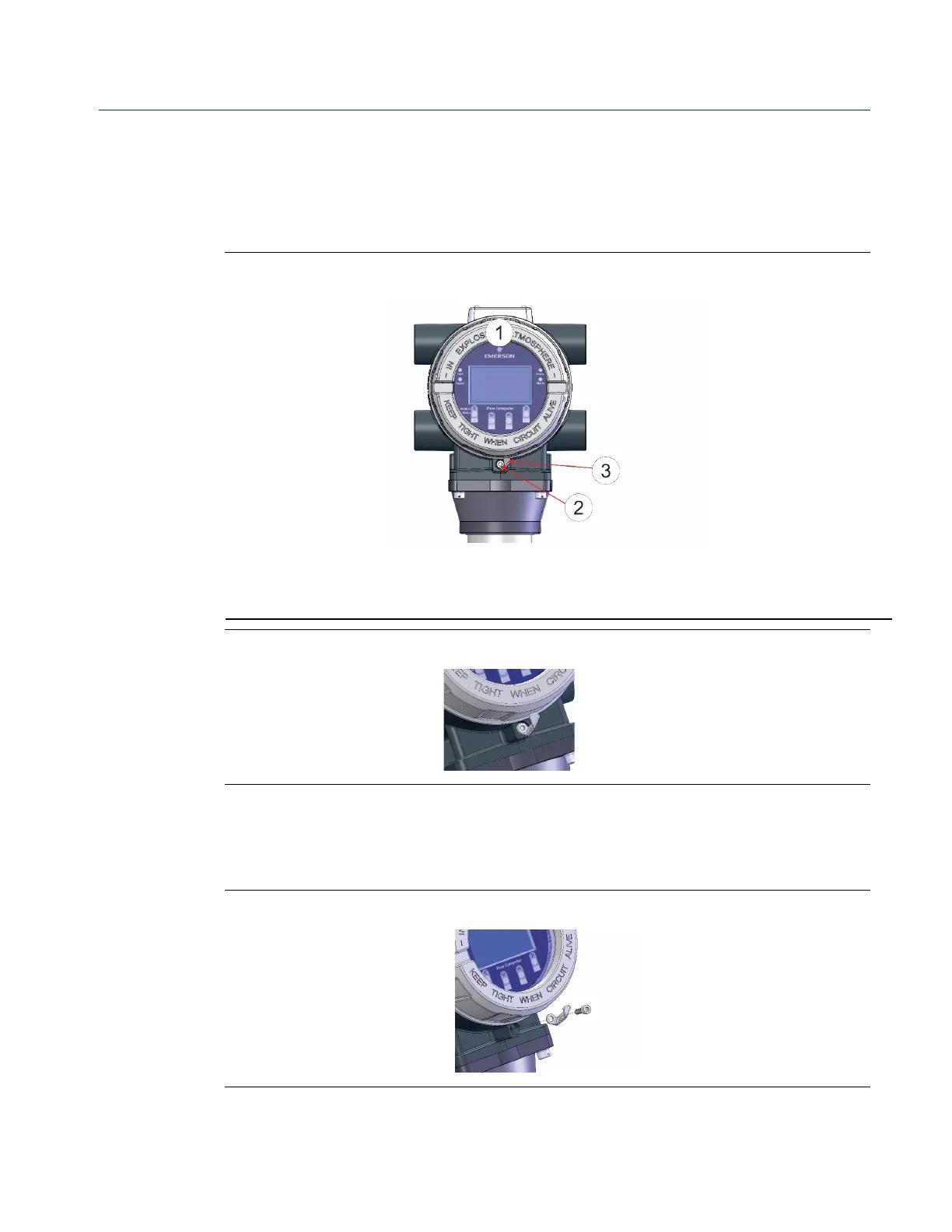
Removing/Replacing the Retaining Clamp
For flameproof ATEX/IEC applications, each end cap includes a retaining clamp which
screws down to prevent the end cap from being unscrewed.
Front End Cap with Retaining Clamp Fitted
Retaining Clamp in Place
To loosen or tighten the screw, use a 3mm hexagonal wrench. When tightening, torque
to 12 in-lbs (1.4 N m).
Retaining Clamp and Screw



 To Next Page
 Loading...













