FB1200 Flow Computer Quick Start Guide
D301786X012
November 2023
5
Replacing the Front or Rear End Cap
EXPLOSION HAZARD: Never remove end cap(s) in a hazardous location. Removing end
cap(s) in a hazardous location could result in an explosion.
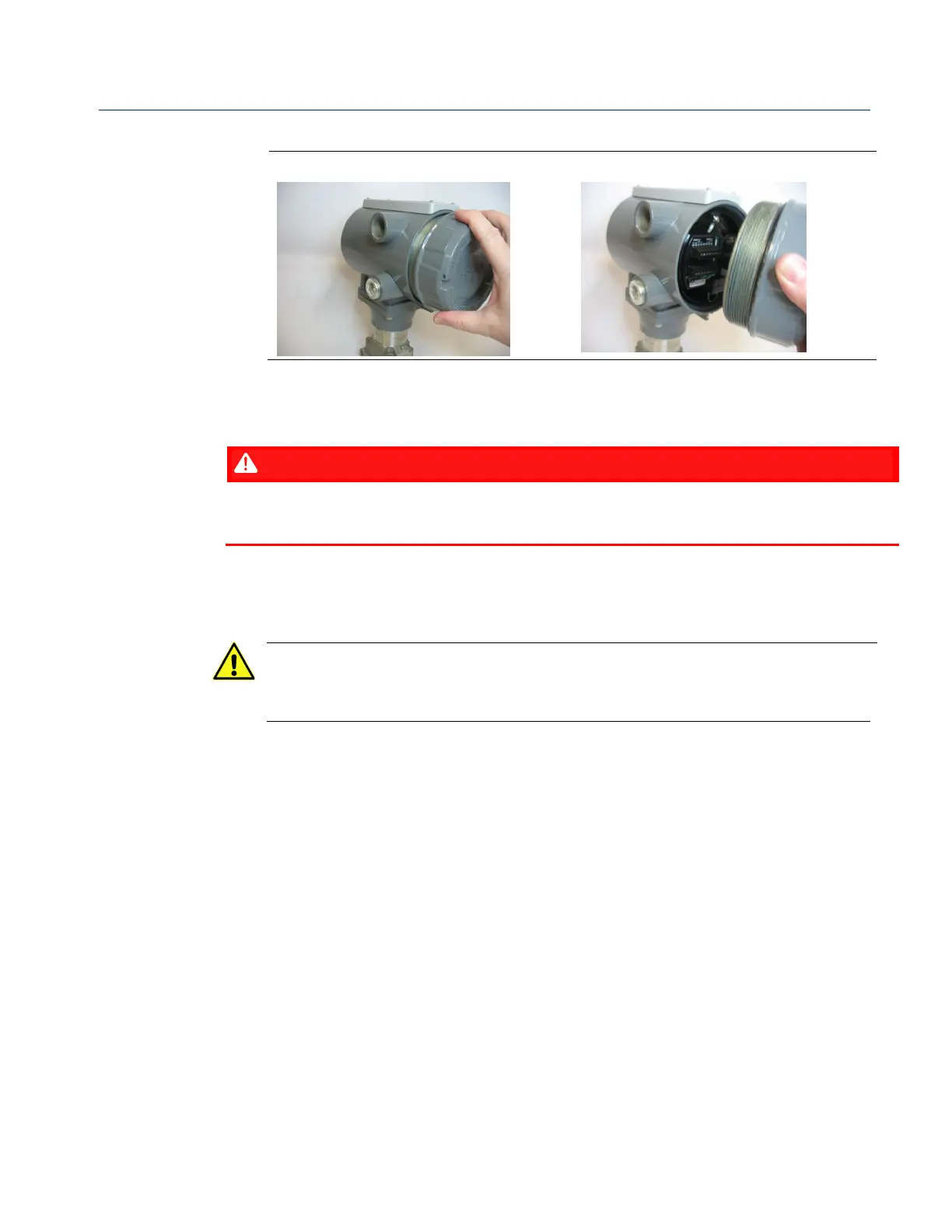
1. Grasp the end cap (front or rear).
2. Carefully align the end cap threads with the threads of the enclosure.
Important
When replacing the rear end cap, ensure wires connecting to the terminal plate
do not get crimped or caught between the end cap threads and the enclosure.
3. Screw the end cap clockwise (eight full turns) until it is tightly sealed to the
enclosure.
4. Replace the retaining clamp (if applicable).



 To Next Page
 Loading...













