2.5 Rotating the transmitter on the sensor
(optional)
For easier access to the user interface or the wiring terminals, the transmitter can be
rotated on the sensor in 45° increments, for eight different orientations.
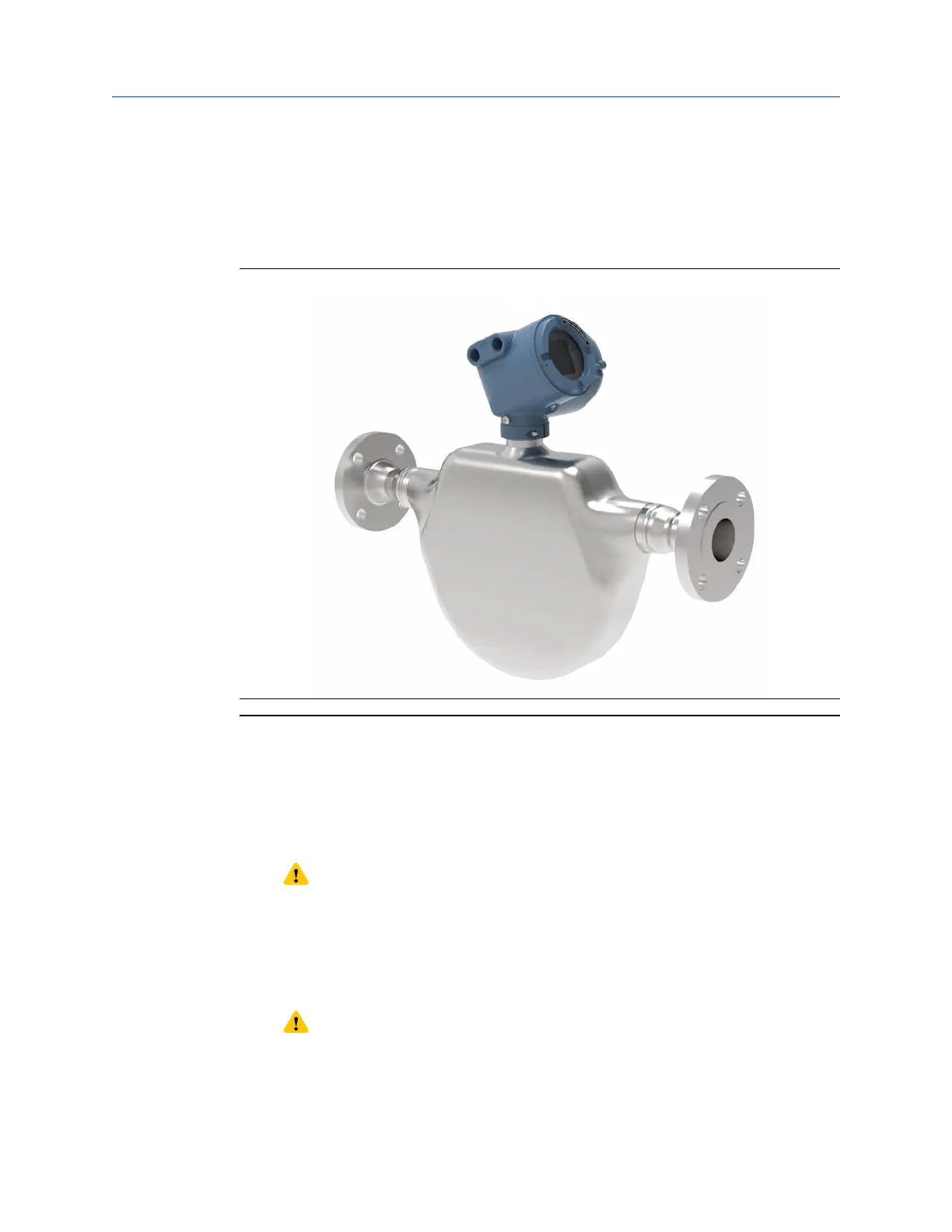
Figure 2-8: Rotating the transmitter on the sensor
Procedure
1. Remove the metal clamping ring from the base of the feed through (refer to
Figure
2-8).
2. Gently lift the transmitter on the feed through until it disengages from the notches
on the feed through. You will not be able to remove the transmitter completely.
3. Rotate the transmitter to the desired position.
CAUTION
Do not rotate the housing more than 360°. Excessive rotation can damage the
wiring and cause measurement error or flow meter failure.
4. Lower the transmitter, sliding it onto the notches on the feedthrough.
5.
Replace the clamping ring on the feed through. Tighten the screw to 28in lbf (3.16N
m)– 32in lbf (3.62N m).
CAUTION
Ensure that the connection between the transmitter and the sensor is moisture-
proof. Inspect and grease all gaskets and O-rings. Moisture in the electronics can
cause measurement error or flow meter failure.
Mounting and sensor wiring Installation Manual
October2023 00825-0100-5710
18 Micro Motion 4700 CIO Transmitter














 To Next Page