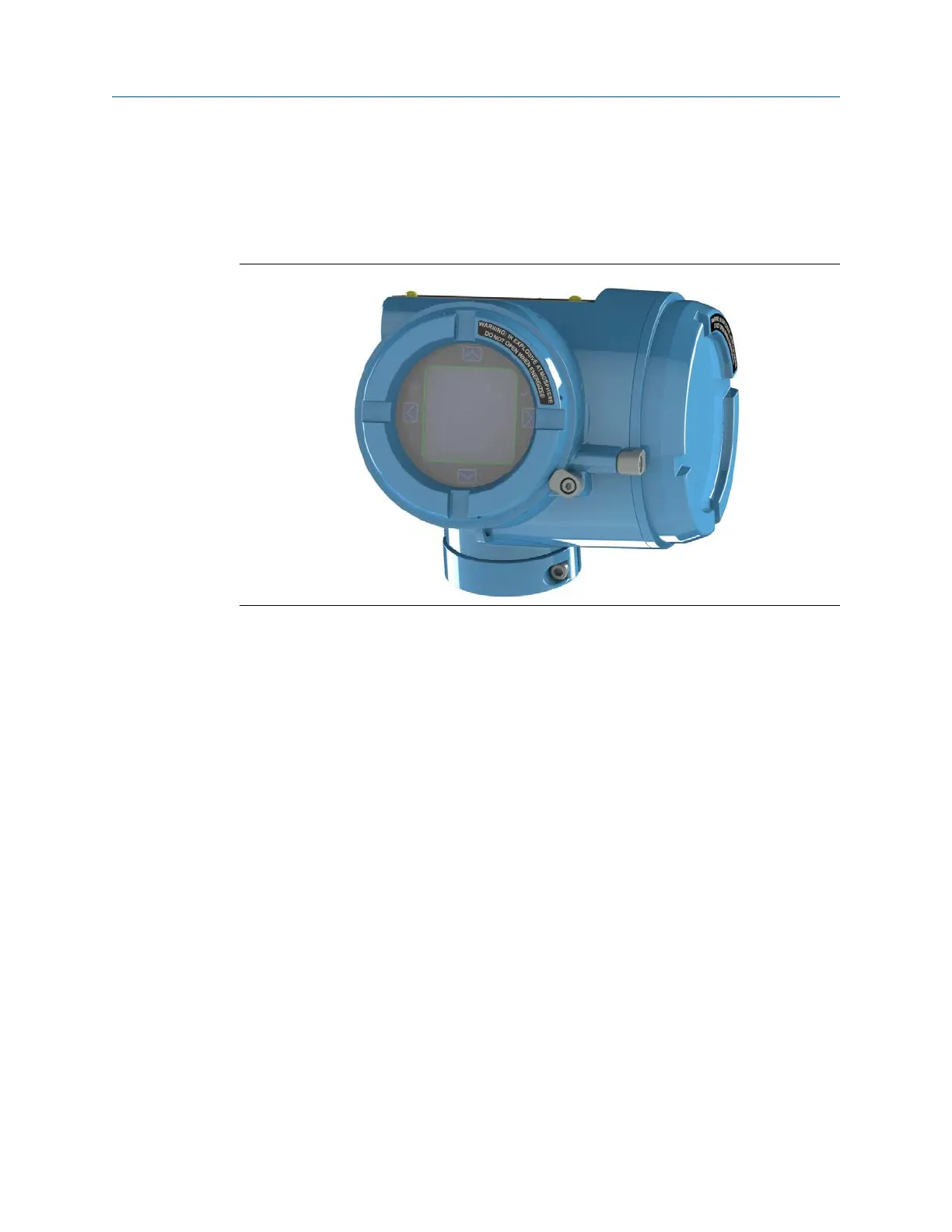
2.6 Rotating the display orientation
The user interface orientation for the transmitter can rotate 360° in 90° increments by
software selection.
Using the display, select Menu → Configuration → Display Settings → Rotation.
2.7 Rotate the sensor wiring junction box on a
remote-mount transmitter (optional)
In remote-mount installations, you can rotate the sensor wiring junction box on the
transmitter up to plus or minus 180 degrees.
Procedure
1. Using a 4 mm hex key, loosen and remove the clamp securing the sensor wiring
junction box in place.
Installation Manual Mounting and sensor wiring
00825-0100-5710 October2023
Installation Manual 19














 To Next Page