Important
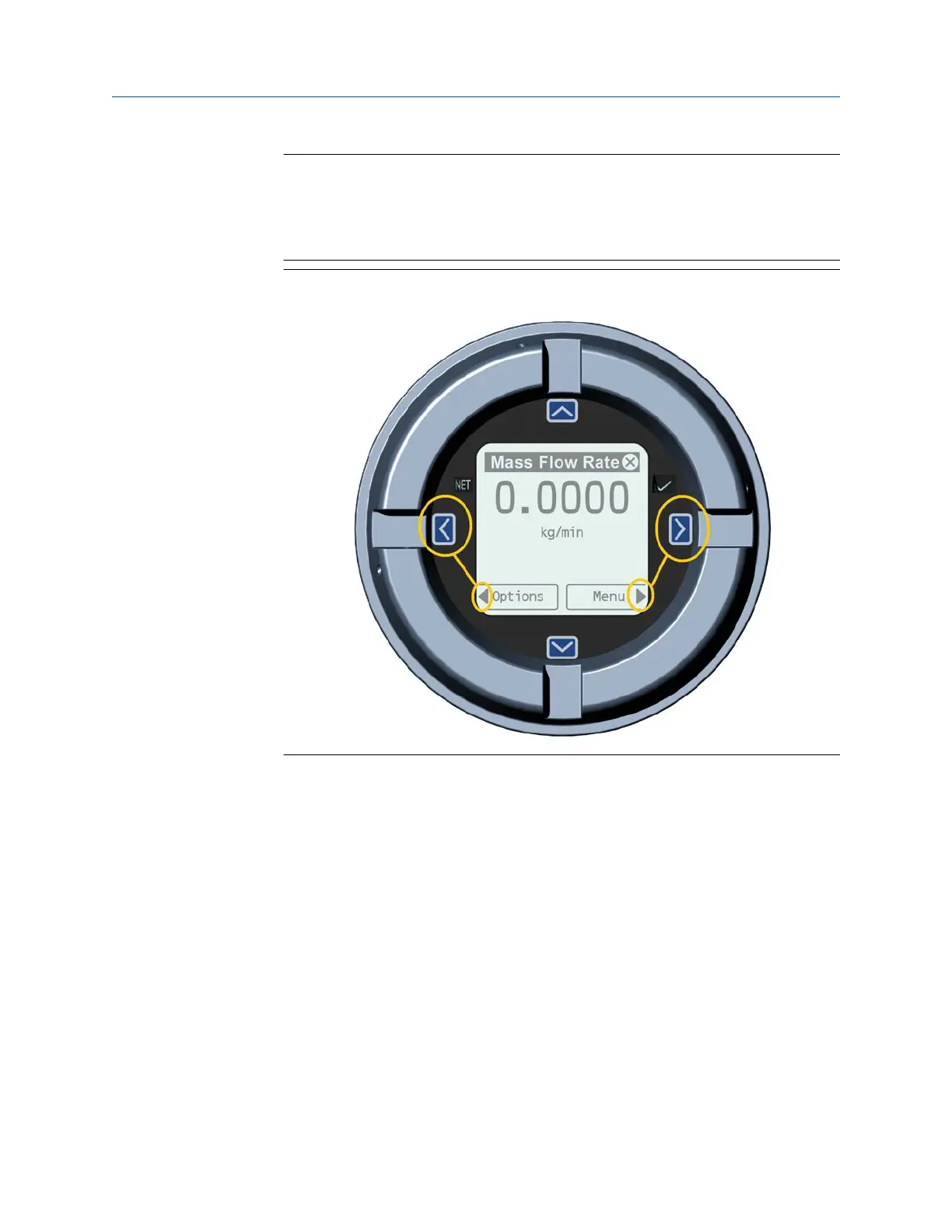
When using the arrow keys, you must first activate the capacitive button, then
release the same button by removing your finger from the glass to move up, down,
right, left or to make a selection. To enable auto-scroll when navigating up or down,
activate the appropriate button and continue to hold for one second. Release the
button when the desired selection is highlighted.
Figure 6-2: Example 2: Active arrow indicators on the transmitter display
6.1 Configure the display backlight
By default, the backlight is set to ON.
Procedure
To configure the backlight, select Menu → Configuration → Display Settings → Backlight.
Using the display controls Installation Manual
October2023 00825-0100-5710
42 Micro Motion 4700 CIO Transmitter














 To Next Page