Commander SK Getting Started Guide 45
Issue Number: 9 www.controltechniques.com
Safety information Rating data
Mechanical
installation
Electrical
installation
Keypad and display Parameters
Quick start
commissioning
Diagnostics Options
UL listing
information
7.2 Keypad control
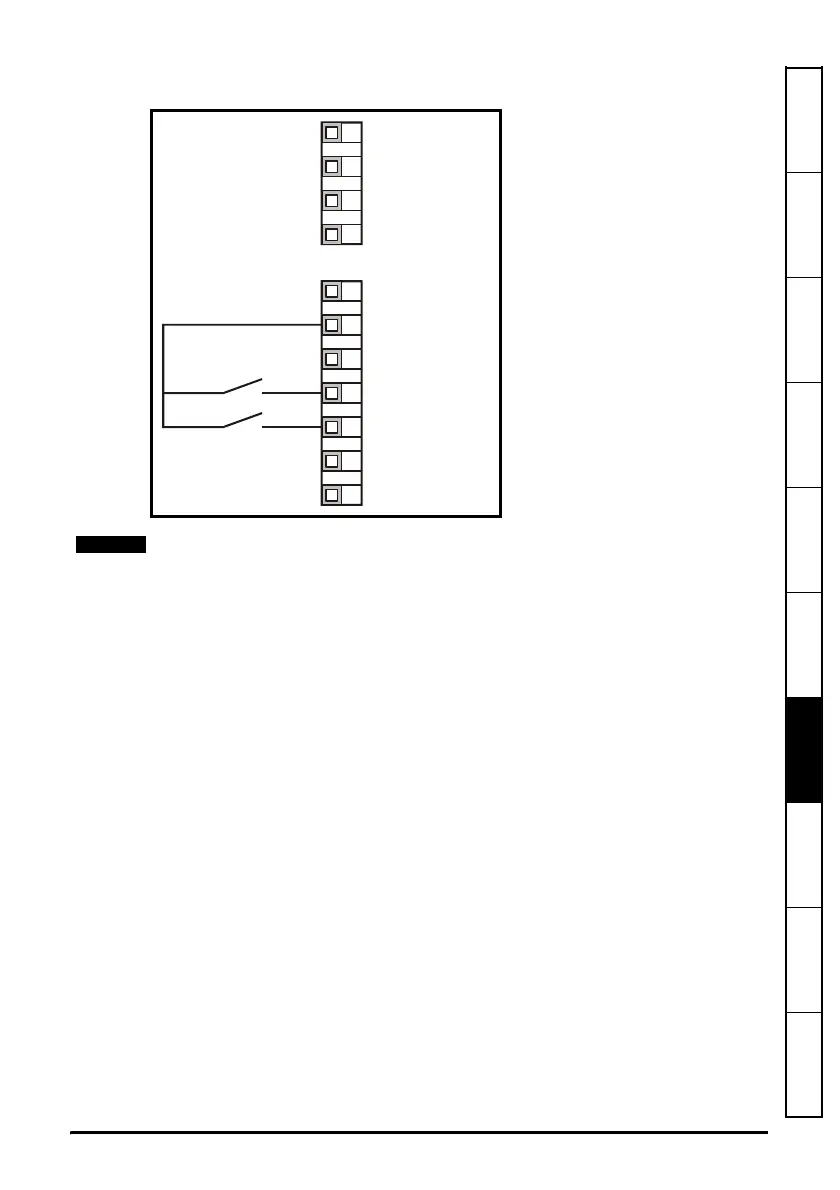
Figure 7-2 Minimum required control terminal connections
0V
+10V reference output
+24V output
Drive Enable/Reset
Forward/Reverse
Analog output
(motor speed)
Digital output
(zero speed)
Not used
Not used
Not used
Not used
T1
T2
T3
T4
B1
B2
B3
B4
B5
B6
B7
To implement a Forward/Reverse switch from the drive’s display:
•Set Pr 71 to 8.23
•Set Pr 61 to 6.33
• Press the Stop/Reset key
Terminal B5 will now be set-up as a Forward/Reverse terminal




 To Next Page