eMKW-TD0054-21- Page 15
2. Folder Management Pane
Folders can be created and managed here. It is recommended to organise patients either under
alphabetical folders, organisation / company names or according to the date (month/year) they
were tested.
See more examples on the KUDUwave help desk at: emoyo.net/category/helpdesk/
3. Data View Pane
A series of quick links are made available for your convenience.
● Scan QR codes
(for quick retrieval of patient data)
● KUDUwave X-Check
(built in automated calibration verification tool
)
● Orca X-Check
(spirometry calibration for the Orca)
● Search
(filter through your patients using the search tool)
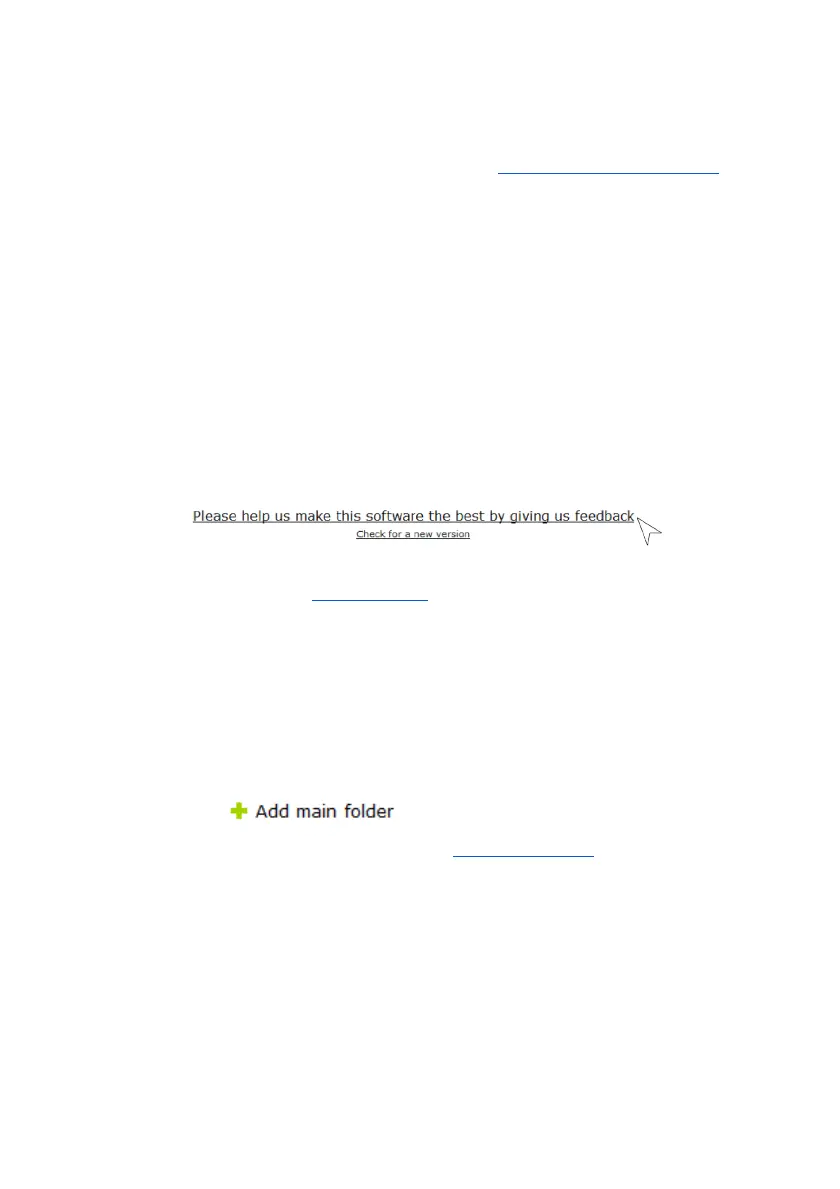
Give us your feedback
Help us improve the KUDUwave by giving us your feedback. In the software is a link to a short 5 min
survey, where you can let us know how you are experiencing your mobile audiometer and its
accompanying software. We’d appreciate your feedback so we can improve your KUDUwave experience.
Or contact us through our website : www.emoyo.net
.
Working with Folders
Management of folders is done within the Folder Management Pane
Creating Folders and Subfolders
To create a folder click:
Enter the name of your folder in the space provided. Select a smart folder
setting if you wish to use this feature. Learn more in the Smart folder section
. Select “OK” to save.



 To Next Page