eMKW-TD0054-21- Page 62
KUDUwave™ Integrations
Noah Integration
If the end user intends to use the KUDUwave device with
Noah, the user needs to have a valid Noah license. Ensure
that you have the latest version of KUDUwave 5 (version
5.2 or above) and Noah (version 4.8 or above) to avoid
incompatible versions. You can download the latest
KUDUwave software from www.emoyo.net
and Noah
from www.himsa.com.
First Time Noah Users
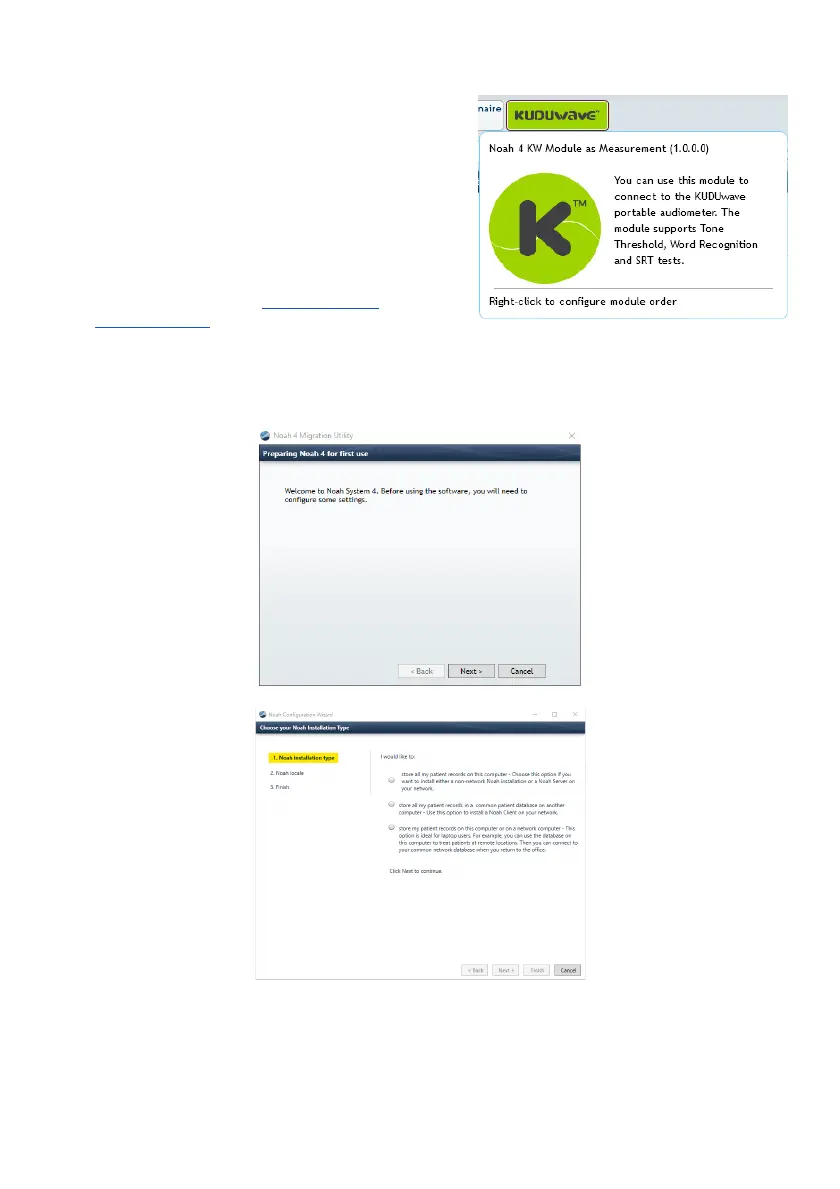
Once you have downloaded and installed Noah, you will need to do an initial configuration of your
settings. Click Next to move forward.
First choose where your patient data will be stored, either locally or on the Noah server.



 To Next Page