eMKW-TD0054-21- Page 70
Manage QR codes
Print multiple QR codes to later associate to patients, and set the webcam to automatically open with the
software.
Password Security
Add a password to the settings page to restrict access here.
X-check (Cross Check)
The X-check verifies the calibration of the KUDUwave.
Note: This does not replace the need for calibrations as per local standards.
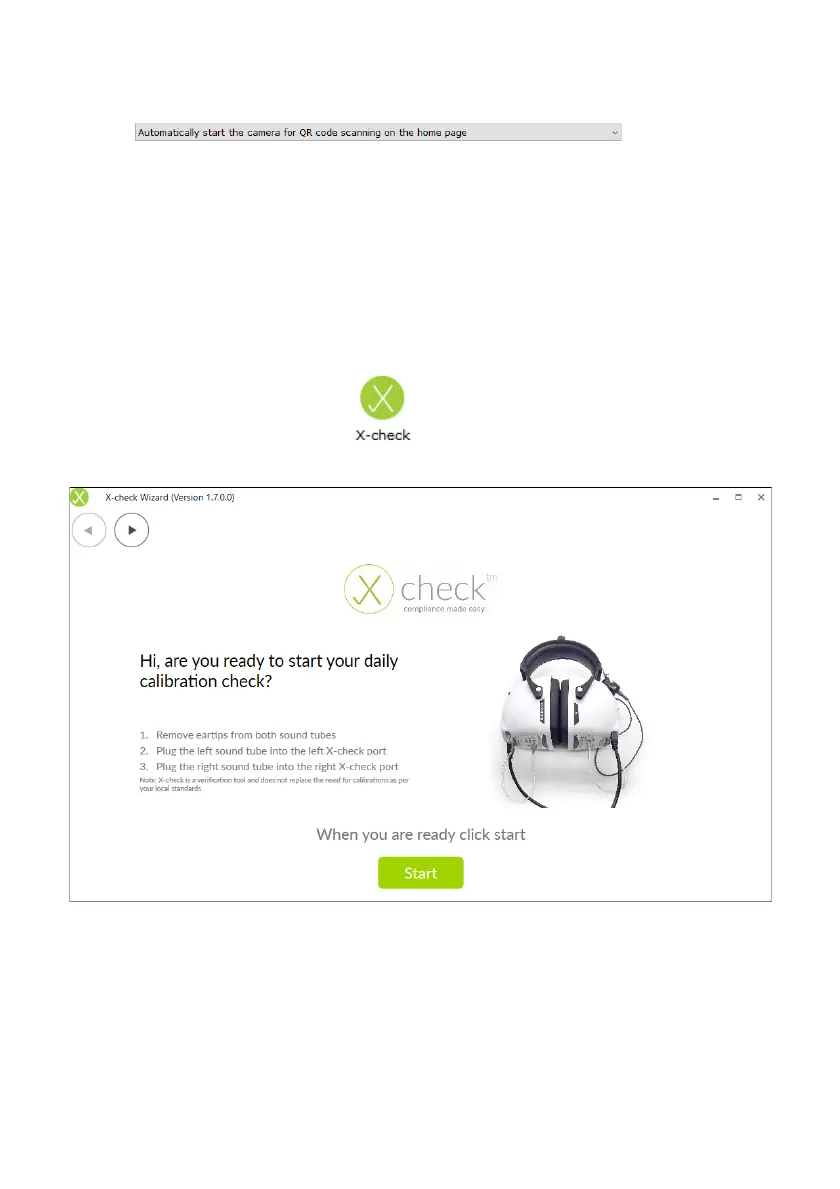
To cross check your KUDUwave click the button either on the homepage or under Plugins on
the left hand side. If your KUDUwave is equipped with X-check the following start page will appear:
Follow the instructions and then click the Start button to run the X-check.
Note: that the X-check can only run if your KUDUwave is equipped with the cross check hardware. If
this is not the case you will see the following screen:



 To Next Page