eMKW-TD0054-21- Page 45
underlined that the patient got correct.
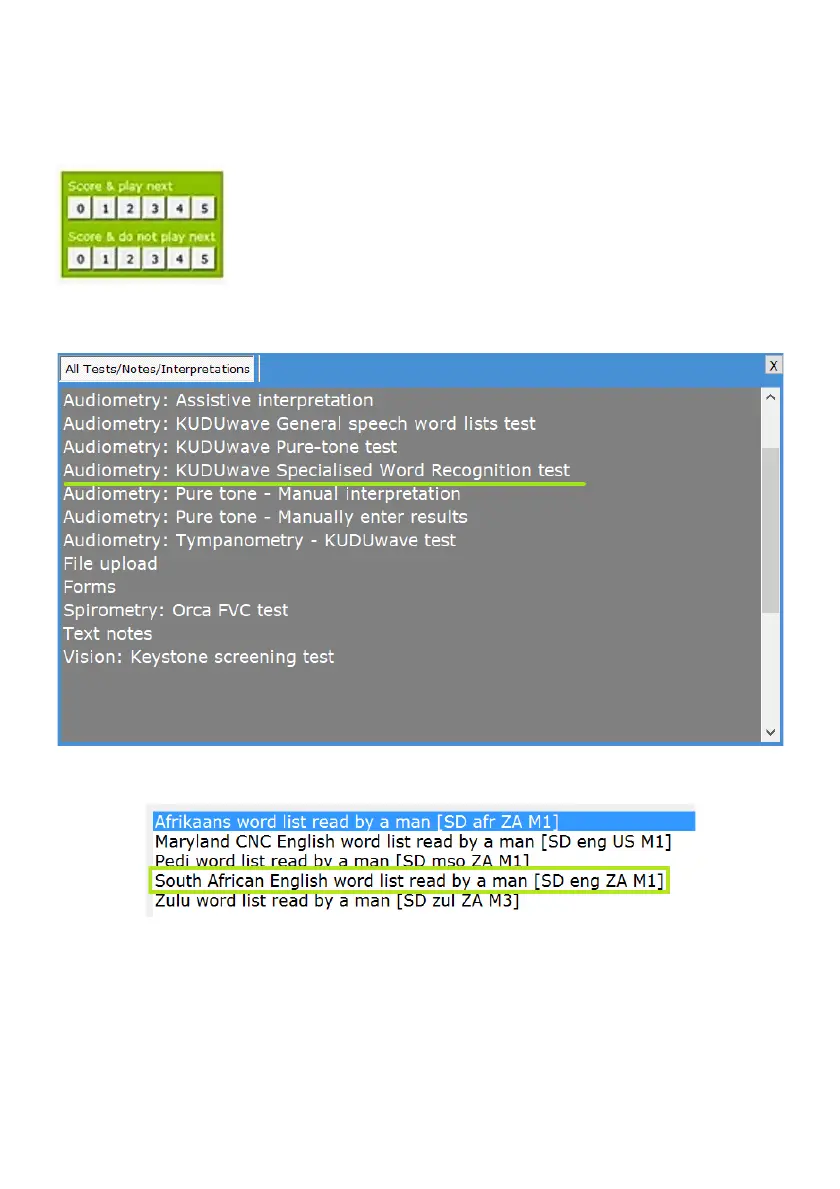
The KUDUwave has two different scoring pads which you can choose from. The scoring section above
allows you to click on the number (score from 0 to 5) and the KUDUwave will immediately begin playing
the next sentence.
The below scoring section allows you to click on the number (score from 0 to
5) and the KUDUwave will wait until you press play for the next sentence or
to save the test result. There are a total of 12 lists each with 6 sentences.
Word Recognition (WR) Testing
To conduct a word recognition test, select the “Audiometry: KUDUwave
Specialised Word Recognition test” option from the New Test Menu.
Select the preferred word list you wish to use. More are available to download from the eMoyo website.
Select which ear and intensity to begin testing with and click the next arrow.



 To Next Page