eMKW-TD0054-21- Page 47
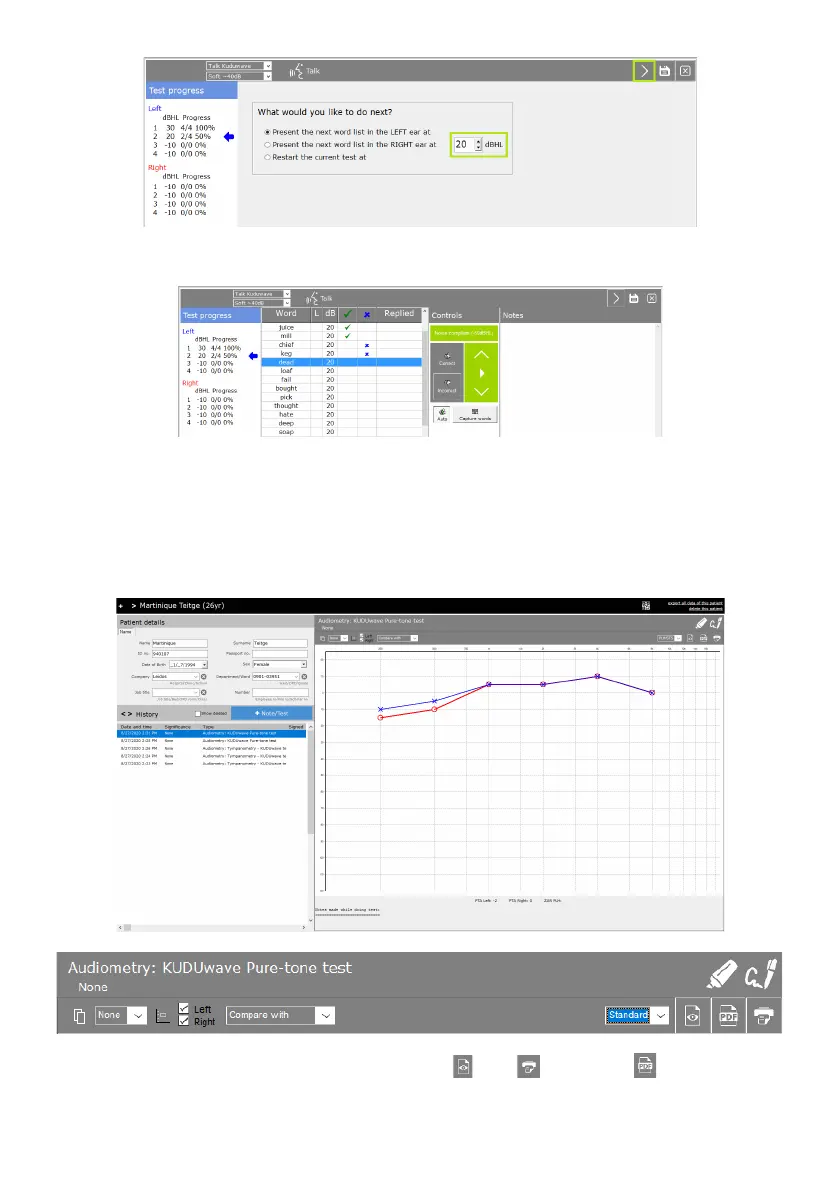
Change the dB level and click the “Next” arrow again. Continue testing at the new dB level.
Click the “Next” arrow again and select the right ear to continue testing the right ear.
Click “Save"at the end of the test.
Viewing Notes and Tests
Selecting a record in the history panel will open the file in the Test Data Pane (5).
Above the test preview, you will have the option to view , print or save a pdf of the current test



 To Next Page