eMKW-TD0054-21- Page 64
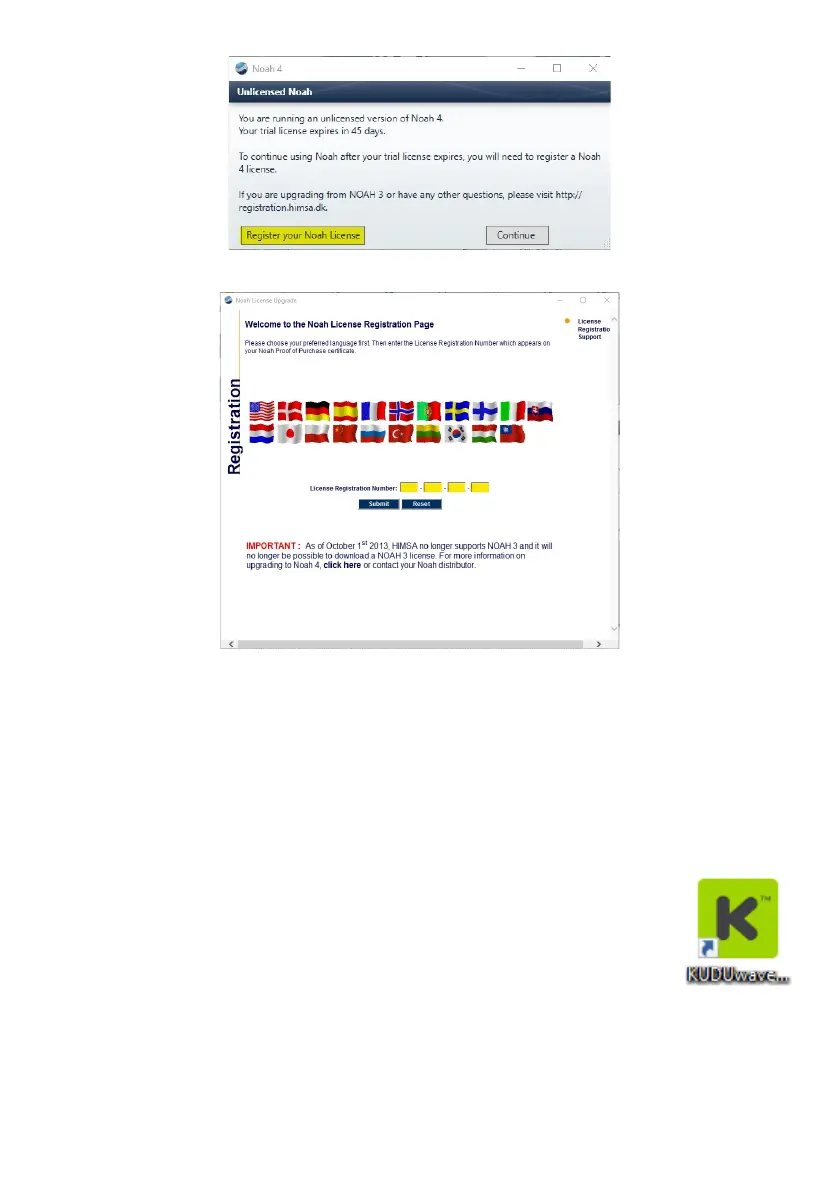
A web page will open where you can submit online the license number.
Make sure all your details are correct and click register to close and continue.
Installing the KUDUwave Plugin
To integrate your Noah and KUDUwave applications, ensure you have installed the following in
consecutive order:
1. KUDUwave 5 software/ eMoyo EMR
2. KUDUwave Noah Module
Please refer to our website to download each file, or contact support to assist you.
Getting Started with the KUDUwave Noah Module
Once both files have been installed, you will have two desktop shortcuts (one for the
normal eMoyo software to control the KUDUwave and another which is the Noah
plugin). If chosen to test with Noah, do not use the eMoyo shortcut, only this one is
linked to Noah. Alternatively, launch Noah and select KUDUwave from the integrations
menu.



 To Next Page