Access your web dashboard
Login to your Empaca Connect account at: hps://www.empaca.com/connect/
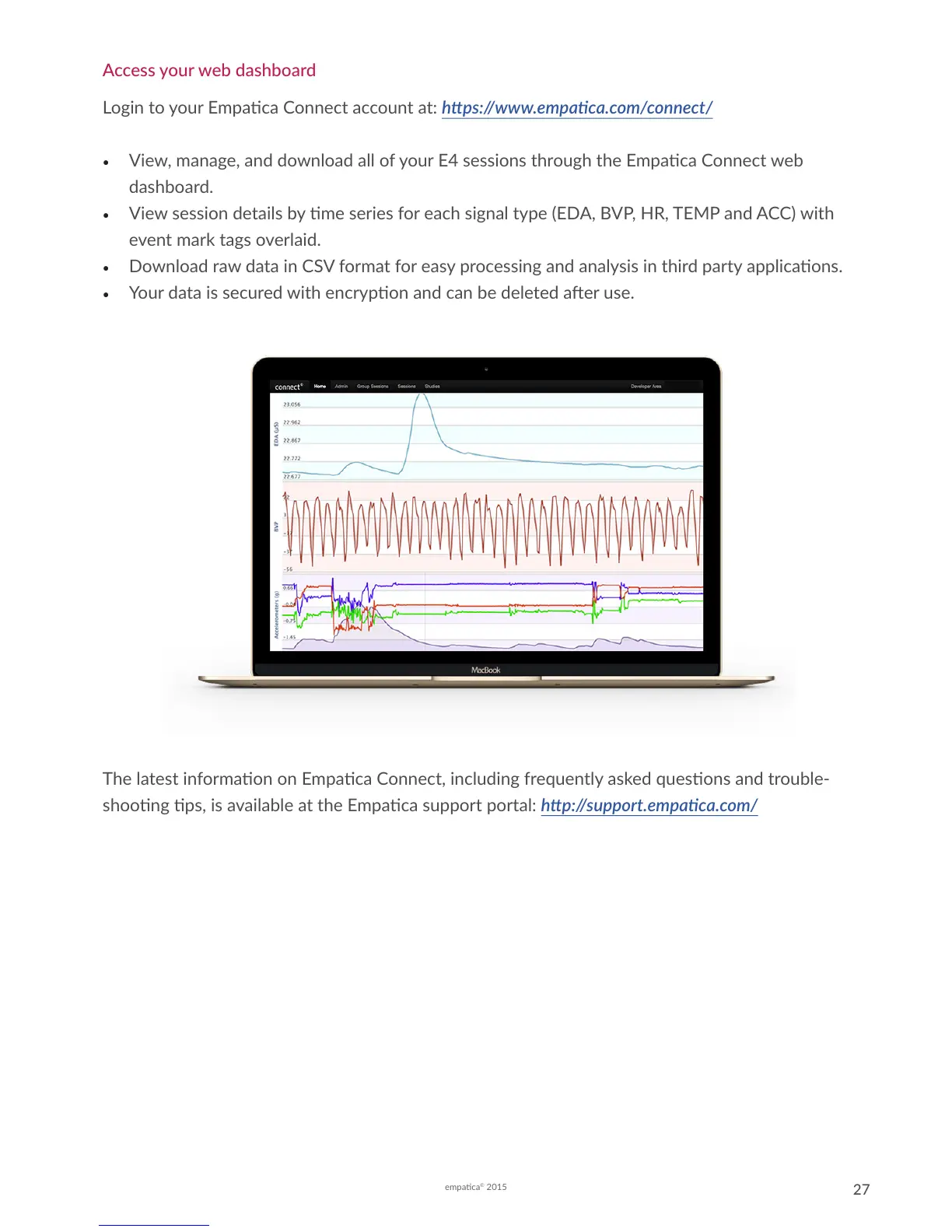
• View, manage, and download all of your E4 sessions through the Empaca Connect web
dashboard.
• View session details by me series for each signal type (EDA, BVP, HR, TEMP and ACC) with
event mark tags overlaid.
• Download raw data in CSV format for easy processing and analysis in third party applicaons.
• Your data is secured with encrypon and can be deleted aer use.
The latest informaon on Empaca Connect, including frequently asked quesons and trouble-
shoong ps, is available at the Empaca support portal: hp://support.empaca.com/


 To Next Page