Page 106
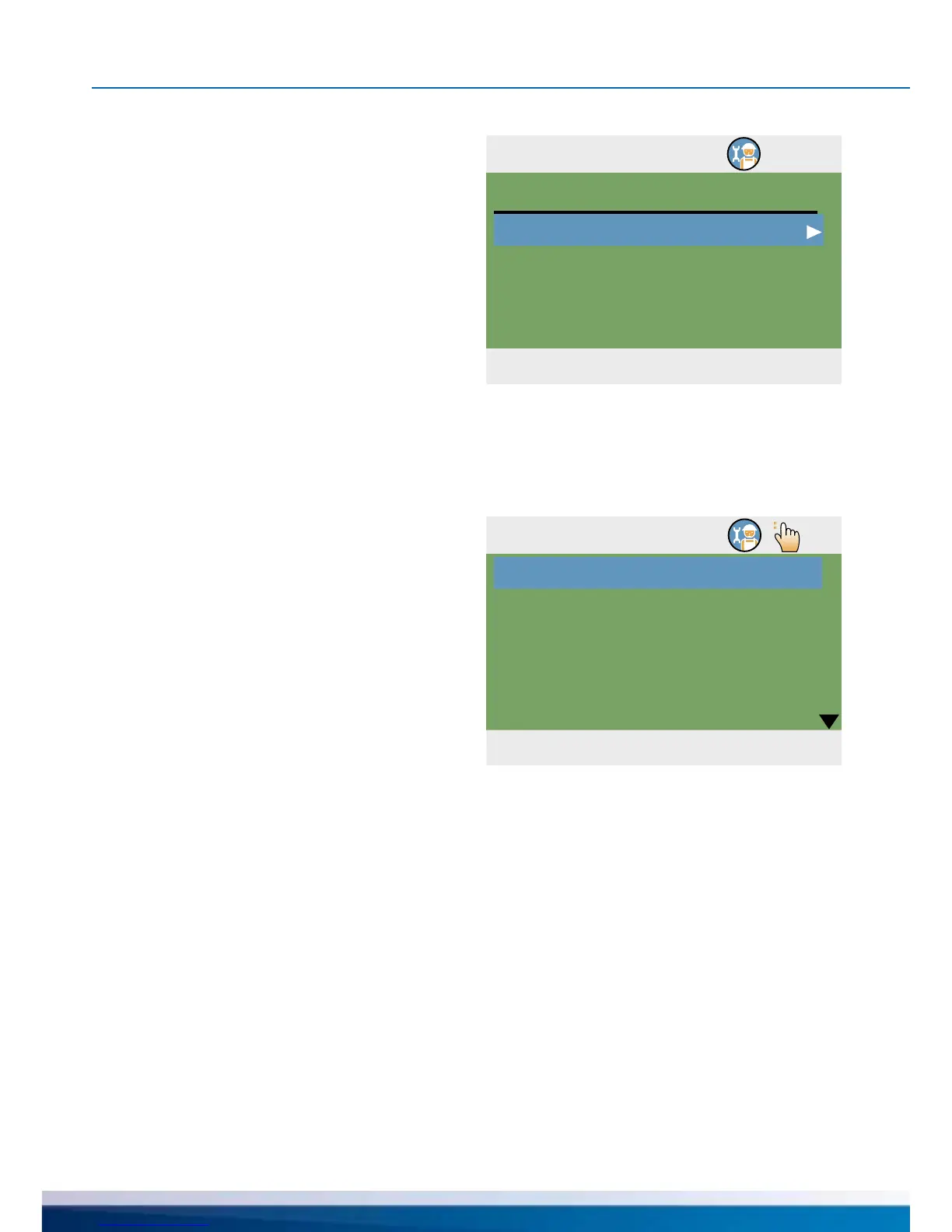
1.7 Login
04. 07. 2015 10:47
Access code
Manual mode
365
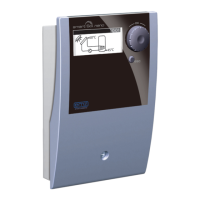
1.7.1 Manual mode
04. 07. 2015 09:25
Solar pump 1
Solar pump 1
Solar pump 1
Solar pump 2
Auto
0%
---
Auto
PROFESSIONAL MODE
In manual mode, the individual
outputs can be activated for
testing purposes, e. g. to check
that a pump is working properly.
Select output, activate with „OK“, select „On“
on the rotary encoder and activate with „OK“.
The connected pump and/or the connected
valve must now be activated.
Manual mode can only be
exited by pressing ›esc‹.
Continue with ›Manual mode‹.


 To Next Page