Page 68
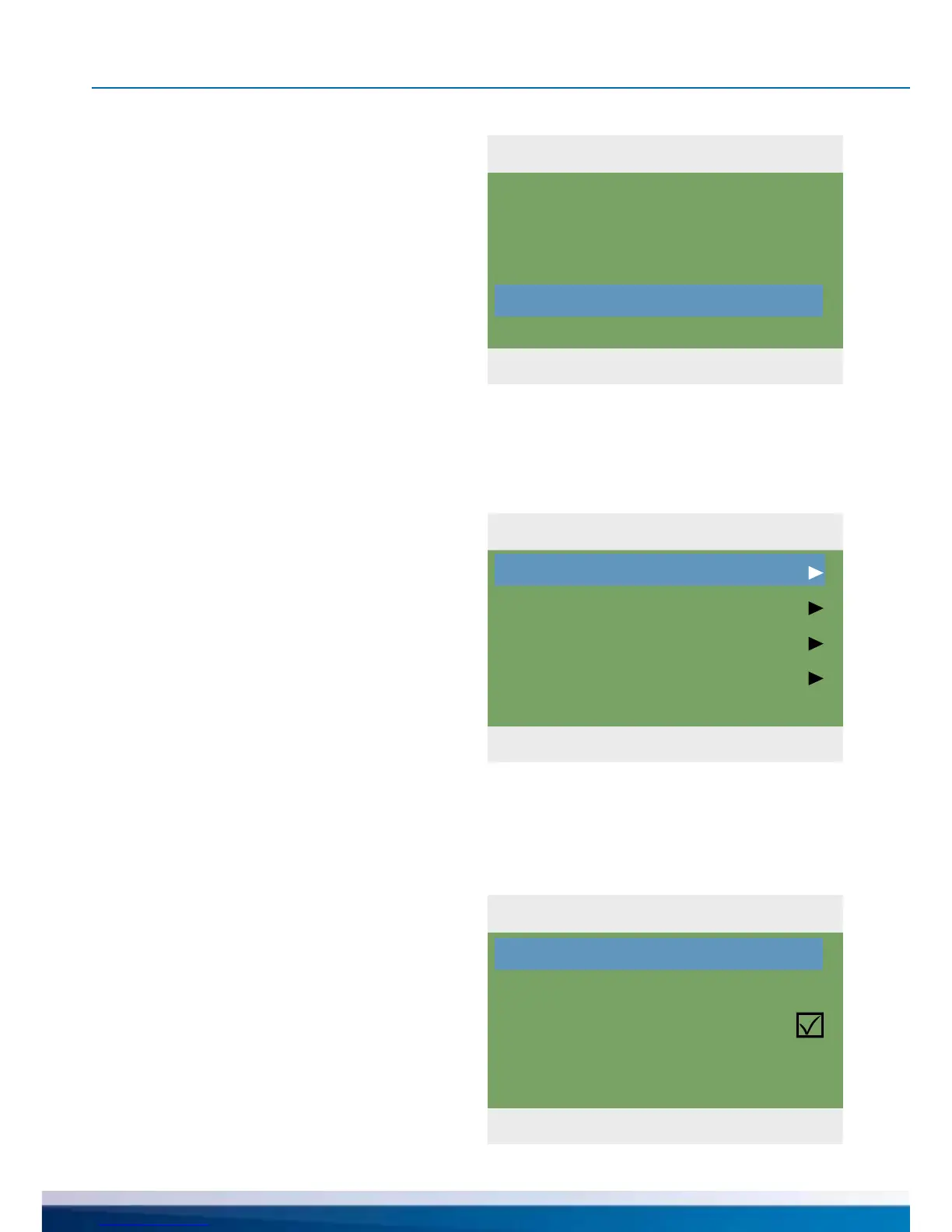
1.10 Message list
04. 07. 2015 10:22
M05:
Sensor short-circuit
on TS3!
Press ESC to return
1.2 Settings
04. 07. 2015 10:23
Date/Time
Language
Display
Buzzer
Factory settings
1.2.1 Date setting
04. 07. 2015 10:23
Date
Time
Auto. Clock Change
04.07.2015
10:23
OPERATION MODE
... the error message appears in plain text.
If necessary, take the appropriate measures.
Return to ›1 Main menu‹.
Continue with ›Settings‹.
...›1.2.1 Date settings‹ appears.
Here, date and time can be set in case of de-
viation or an extended period of deenergizing.
If the differential temperature controller is
installed at a location where daylight-saving
time exists, the time shift can be activated
here.
Select the subitem
›Date‹ or ›Time‹ by pressing ›OK‹.
›1.2 Settings‹ appears.
Another selection level appears.
Once the rst subitem
›Date/Time‹ is selected, ...


 To Next Page