Page 69
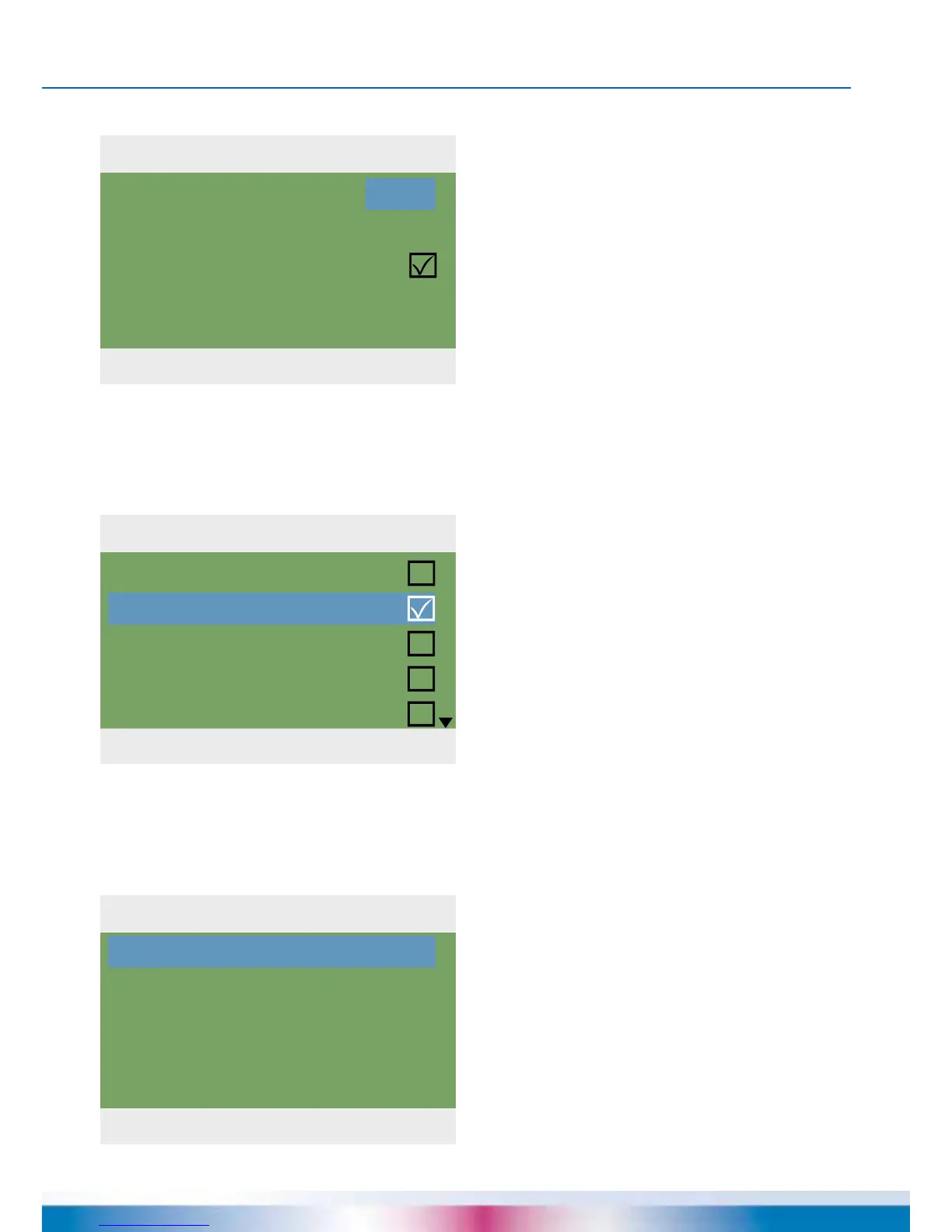
1.2.1 Date setting
04. 07. 2015 10:23
Date
Time
Auto. Clock Change
04.07.2015
10:23
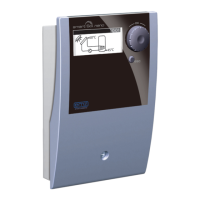
1.2.2 Language
04. 07. 2015 10:23
Deutsch
English
Français
Italiano
Svenska
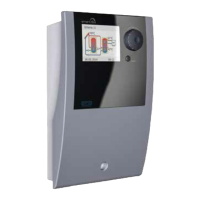
1.2.7 Display
04. 07. 2015 10:23
Brightness
Blanking time
100%
180s
OPERATION MODE
One group of gures each is activated
and can be varied via the rotary encoder;
whenever ›OK‹ is pressed, the activation
jumps to the next group.
Return to ›1.2 Settings‹.
Continue with ›Language‹.
›1.2.7 Display‹ appears.
›Brightness‹ serves to adjust the
backlighting of the display in steps
of 10% from 5% to 100%.
›Blanking time‹ is used to determine the time
after which, in case of inactivity, backlighting
is reduced from the set value to 10%. Adjust-
able in the range from 30 to 255 seconds.
Return to ›1.2 Settings‹.
›1.2.2 Language‹ appears.
Here, the user can change over
to another available language.
Continue with ›Display‹.


 To Next Page