Page 70
1.3 Basic functions
04. 07. 2015 10:25
Thermostat
Tube collector
Holiday function
Delta T control
Increase return T
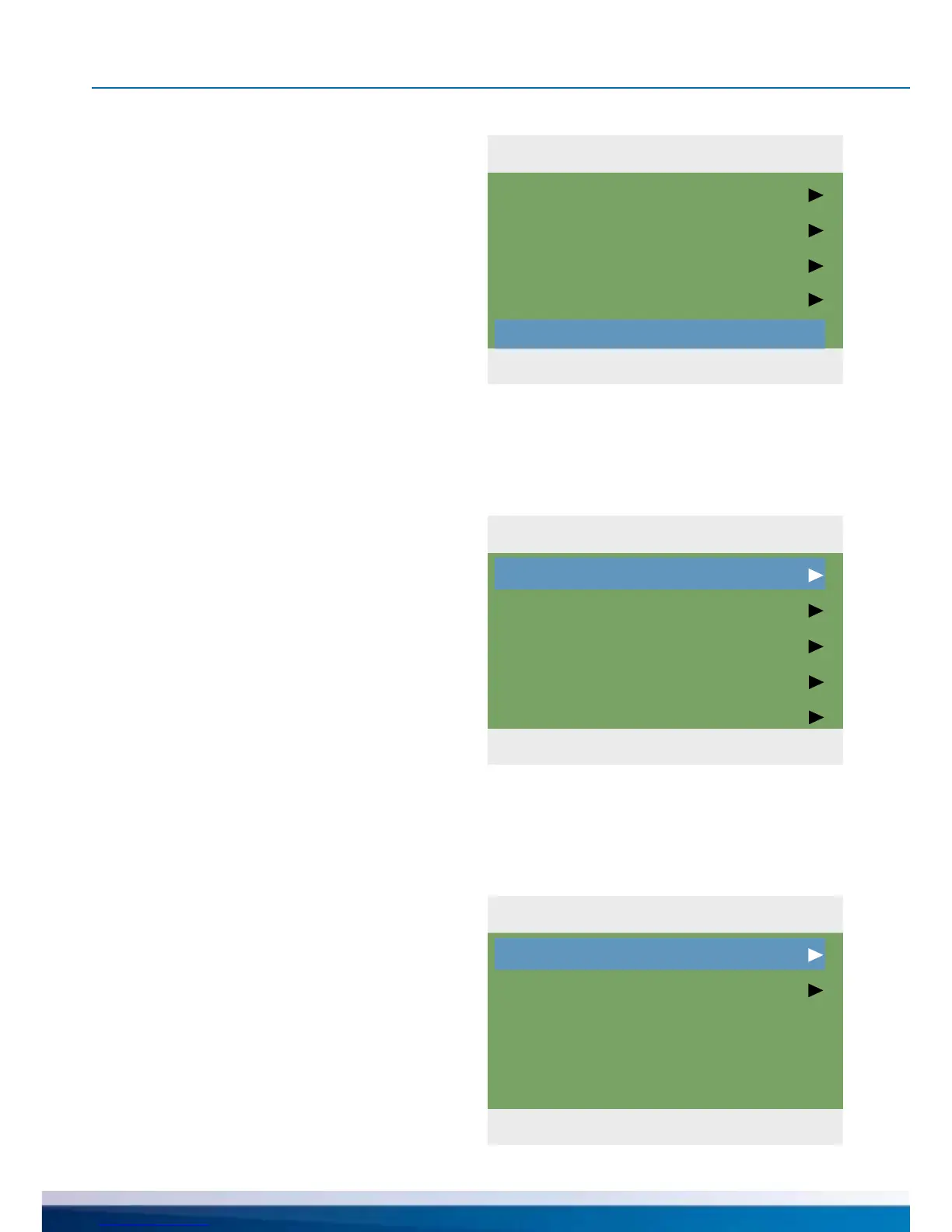
1.2 Settings
04. 07. 2015 10:24
Date/Time
Language
Display
Buzzer
Factory settings
1.3.1 Thermostat
04. 07. 2015 10:25
Thermostat RO2
Thermostat REL
OPERATION MODE
If „Buzzer“ is activated, the controller also is-
sues acoustic malfunctions and messages.
The last menu item is ›Factory settings‹.
By selecting and pressing the
button ›OK‹, followed by ›esc‹,
the preset values are deleted and
replaced by the factory settings.
Return to ›1 Main menu‹.
Continue with ›Basic functions‹.
...›1.3.1 Thermostat‹ appears.
The controller‘s free outputs can be used
as thermostats for various applications.
In professional mode, presettings must be
made to this effect - your tter will explain
the appropriate function to you, if necessary.
By selecting a subitem ...
›1.3 Basic functions‹ appears.
Another selection level appears.
Once the rst subitem
›Thermostat‹ is selected, ...


 To Next Page