13
2.4 Hardware Installation
1. Ensure that the computer in use has an Ethernet Card (RJ-45 Ethernet Port). For more information, verify with our
computer user manual.
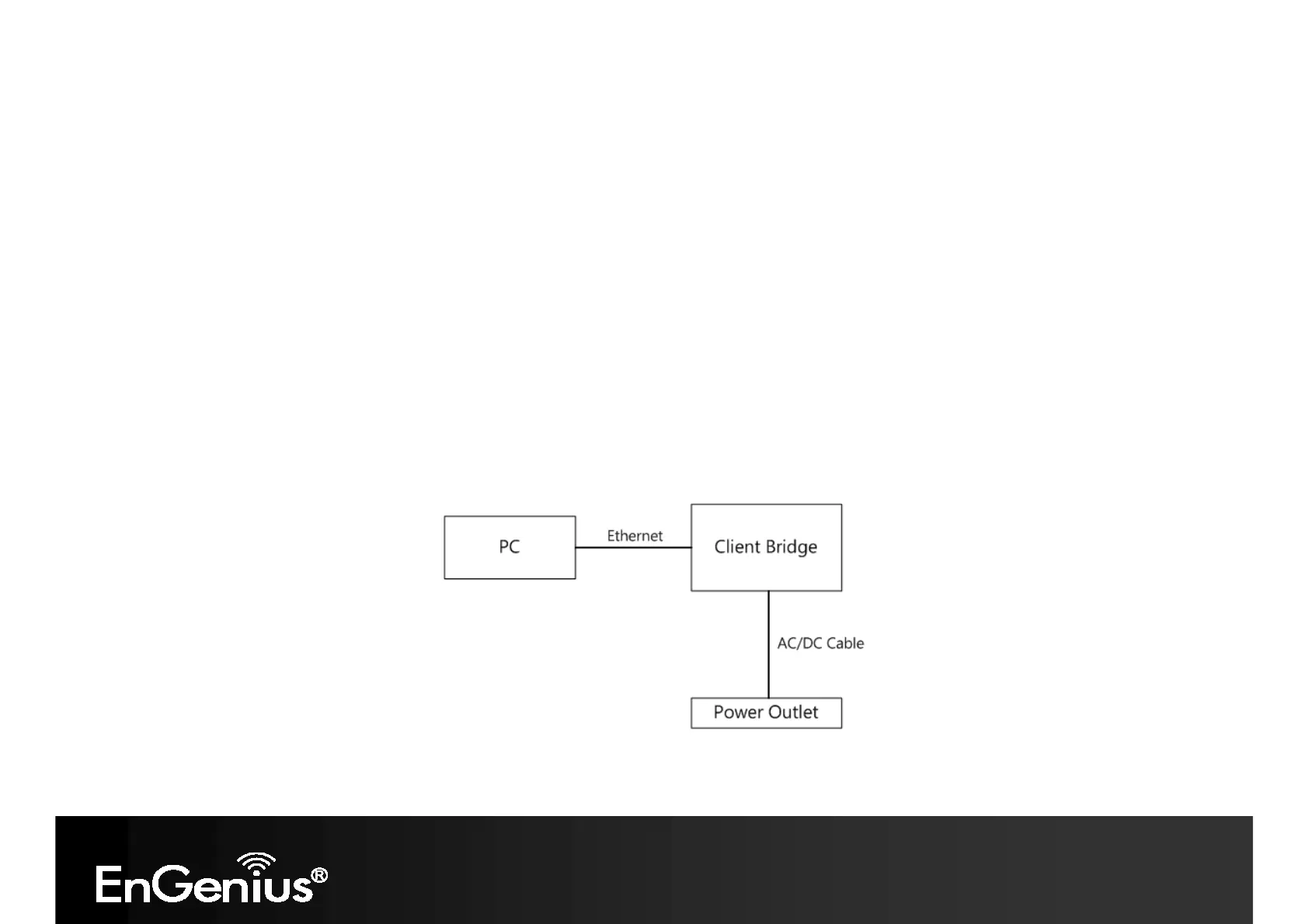
2. Connect one end of the Category 5 Ethernet cable into RJ-45 port of the ECB350 and the other end to the RJ-45 port
on the computer that will use the ECB350. Ensure that the cable is securely connected to both the ECB350 and the
Computer.
3. Connect the Power Adaptor DC Inlet to the DC-IN port of the ECB350 and the Power Adaptor to the electrical out.
Once both connections are secure, verify the following:
a) Ensure that the POWER light is on (it will be green).
b) Ensure that the WLAN light is on (it will be green).
c) Ensure that the LAN (Computer/ECB350 Connection) light is on (it will be green).
d) Once all three lights are on, proceed to setting up the computer.
This diagram depicts the hardware configuration.














 To Next Page