19
4.2 Main
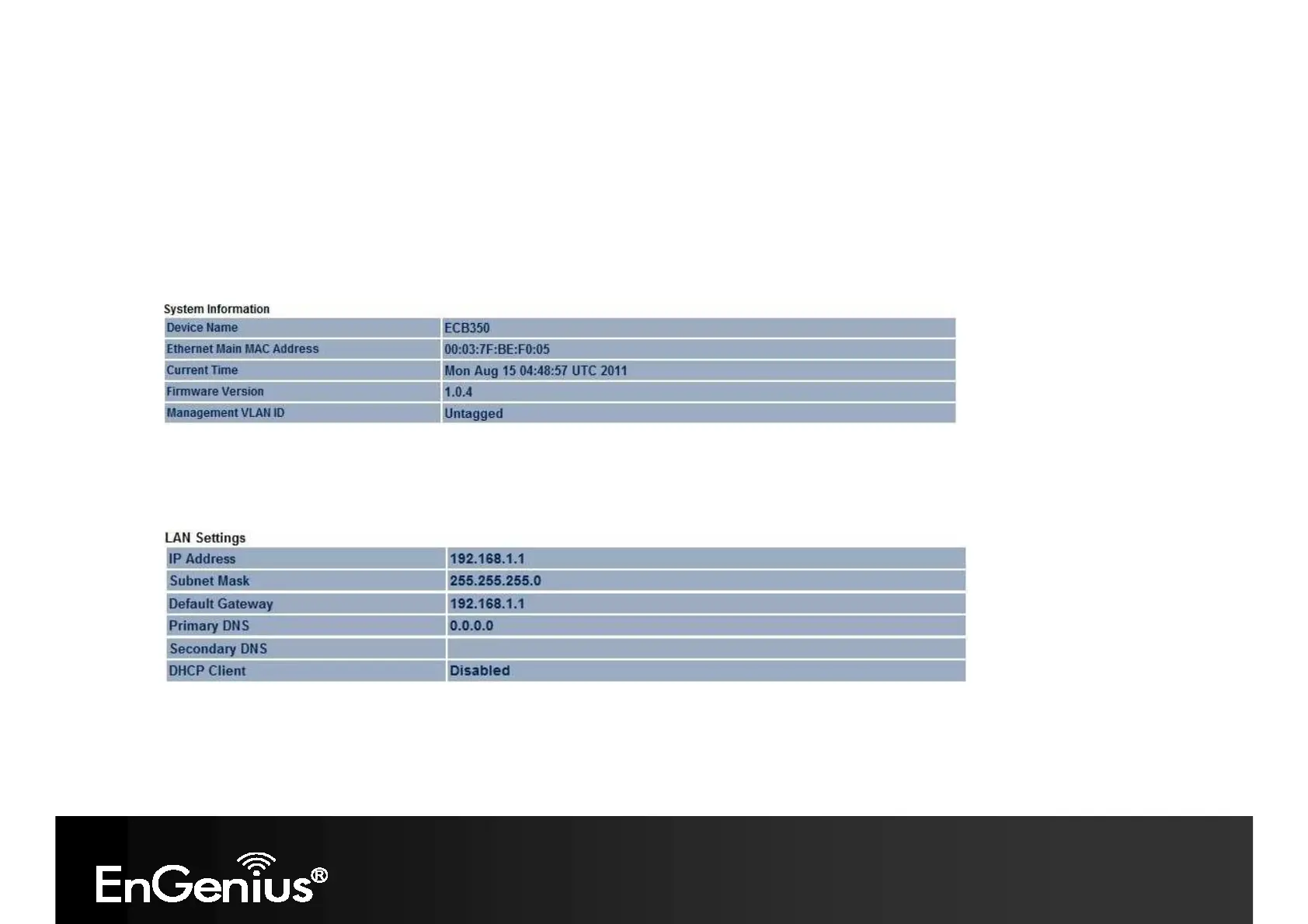
Clicking the Main link under the Status menu or clicking Home at the top-right of the Web Configurator shows status
information about the current operating mode.
- The System Information section shows general system information such as device name, MAC address, current time,
firmware version and management VLAN ID (Note: VLAN ID is only in Access Point and WDS AP mode).
- The LAN Settings section shows Local Area Network setting such as the LAN IP address, subnet mask, and DNS
address.
- The WAN Settings section shows WAN setting such as the MAC Address, Connection Type, Connection Status, IP
Address, Subnet Mask, and DNS Address.
Note: WAN Settings is only in Client Router and Router mode.














 To Next Page