72
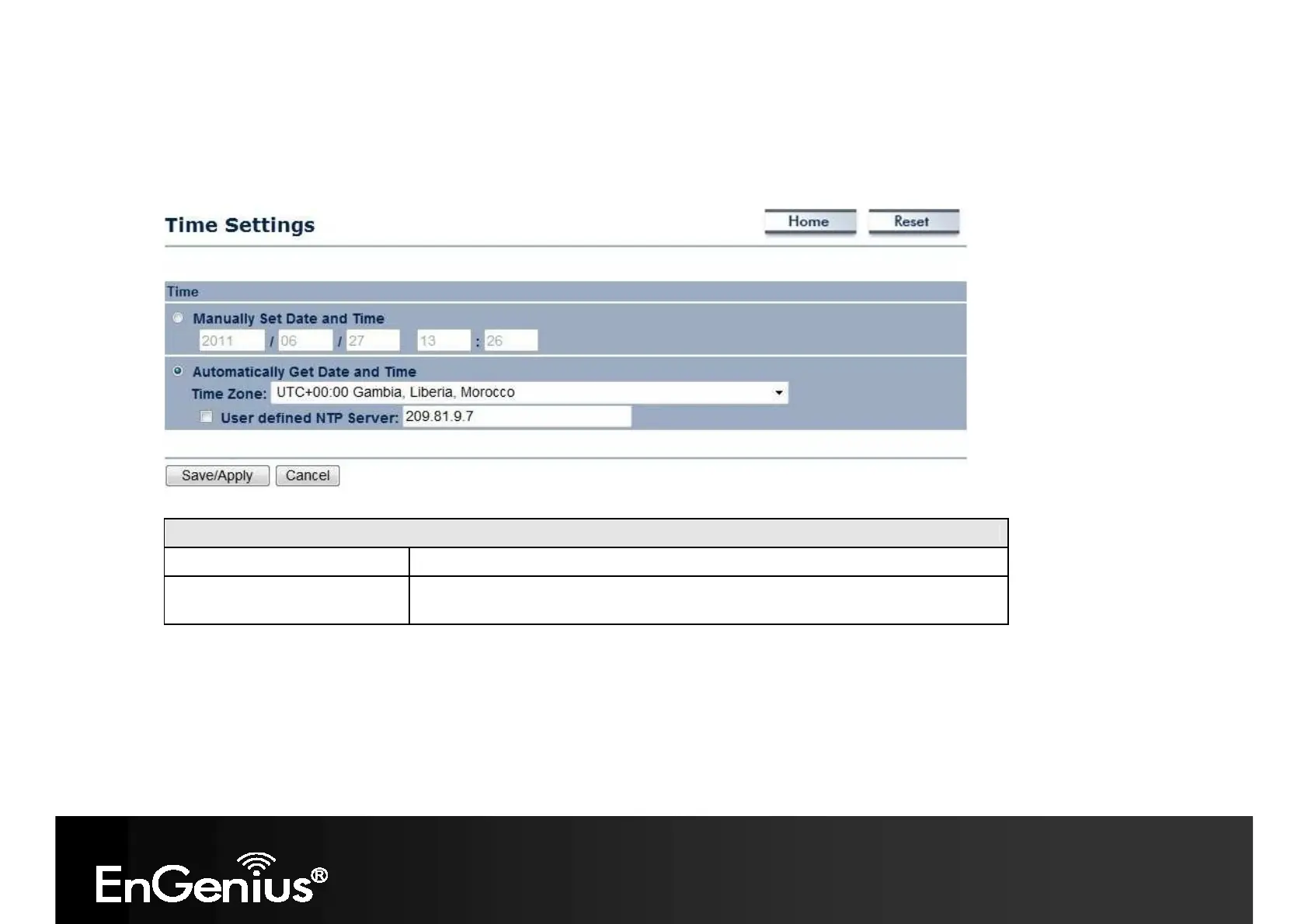
8.6 Time Setting
This page allows you to set the system time.
Time
Manually Set Date and Time
Manually specify the date and time.
Automatically Get Date and
Time
Select a time zone from the drop-down list and check whether you want to
enter the IP address of an NTP server or use the default NTP server.














 To Next Page