39
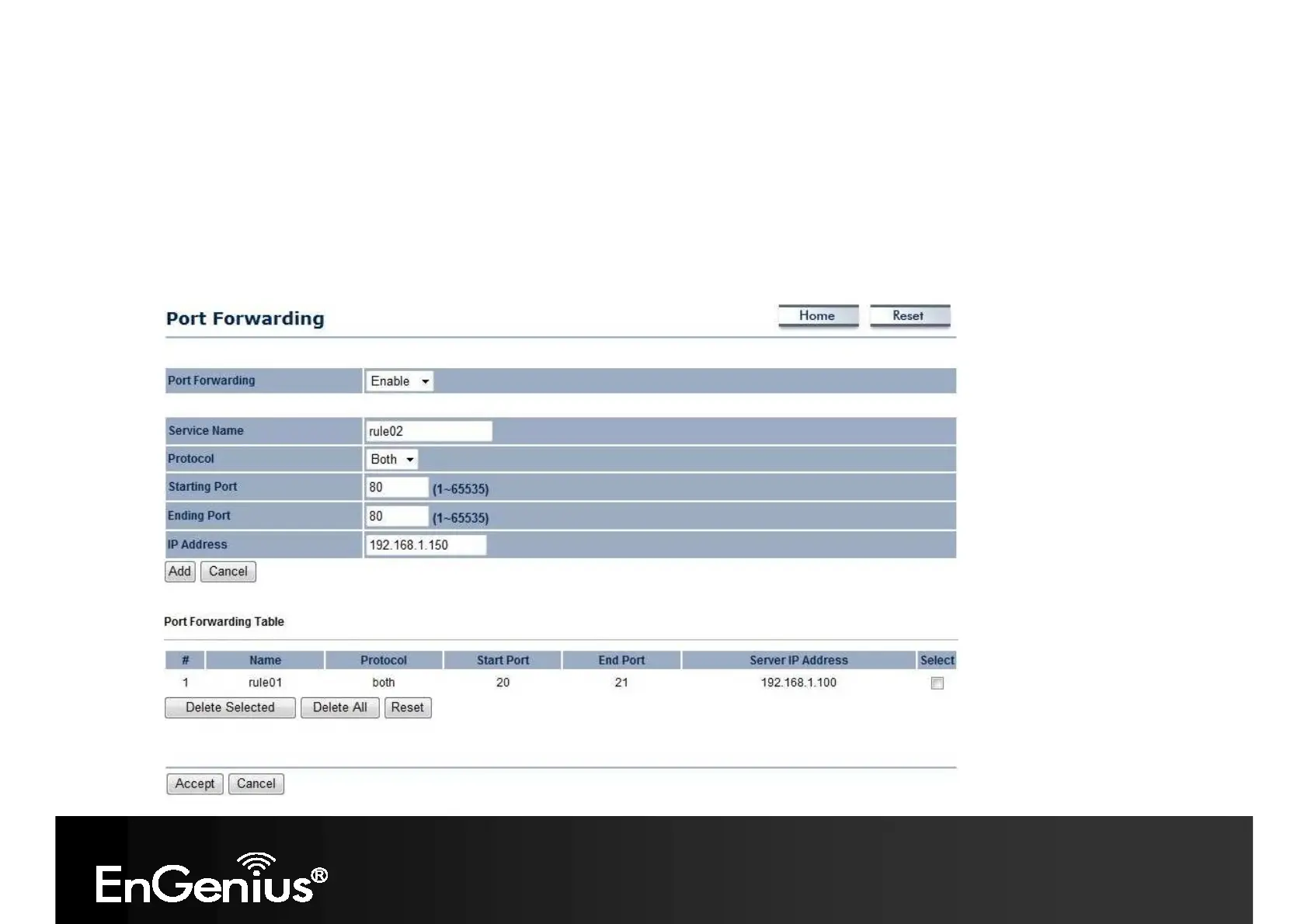
6.4 Port Forwarding
Port forwarding can be used to open a port or range of ports to a device on your network. Using port forwarding, you can
set up public services on your network. When users from the Internet make certain requests on your network, the ECB350
can forward those requests to computers equipped to handle the requests. If, for example, you set the port number 80
(HTTP) to be forwarded to IP address 192.168.1.150, all HTTP requests from outside users are forwarded to
192.168.1.150.














 To Next Page