20
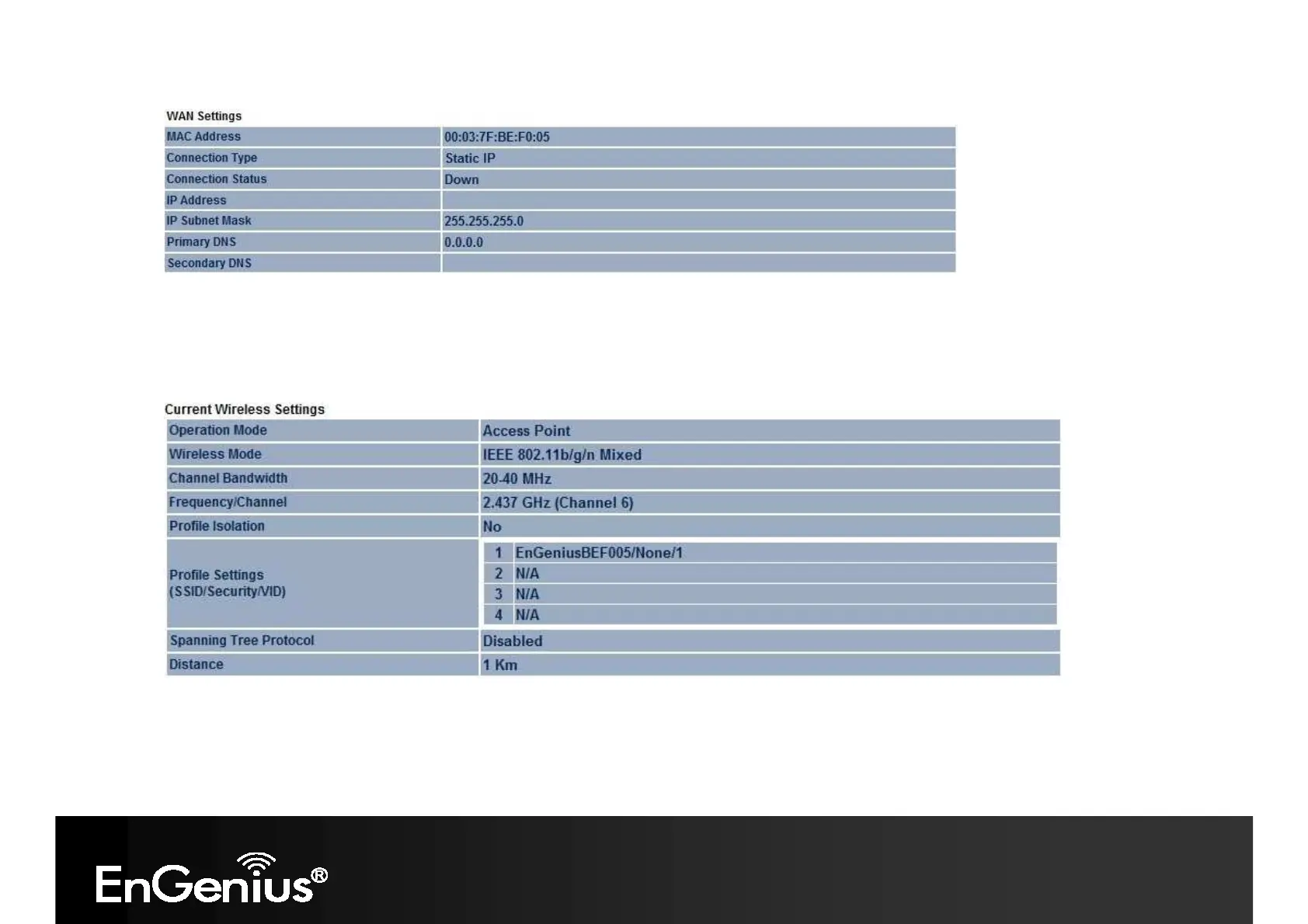
- The Current Wireless Settings section shows wireless information such as operating mode, frequency and channel.
Since the ECB350 supports multiple-SSIDs, information about each SSID, such as its ESSID and security settings, are
displayed (Note: Profile Settings is only in Access Point, WDS AP and Router mode).














 To Next Page