46
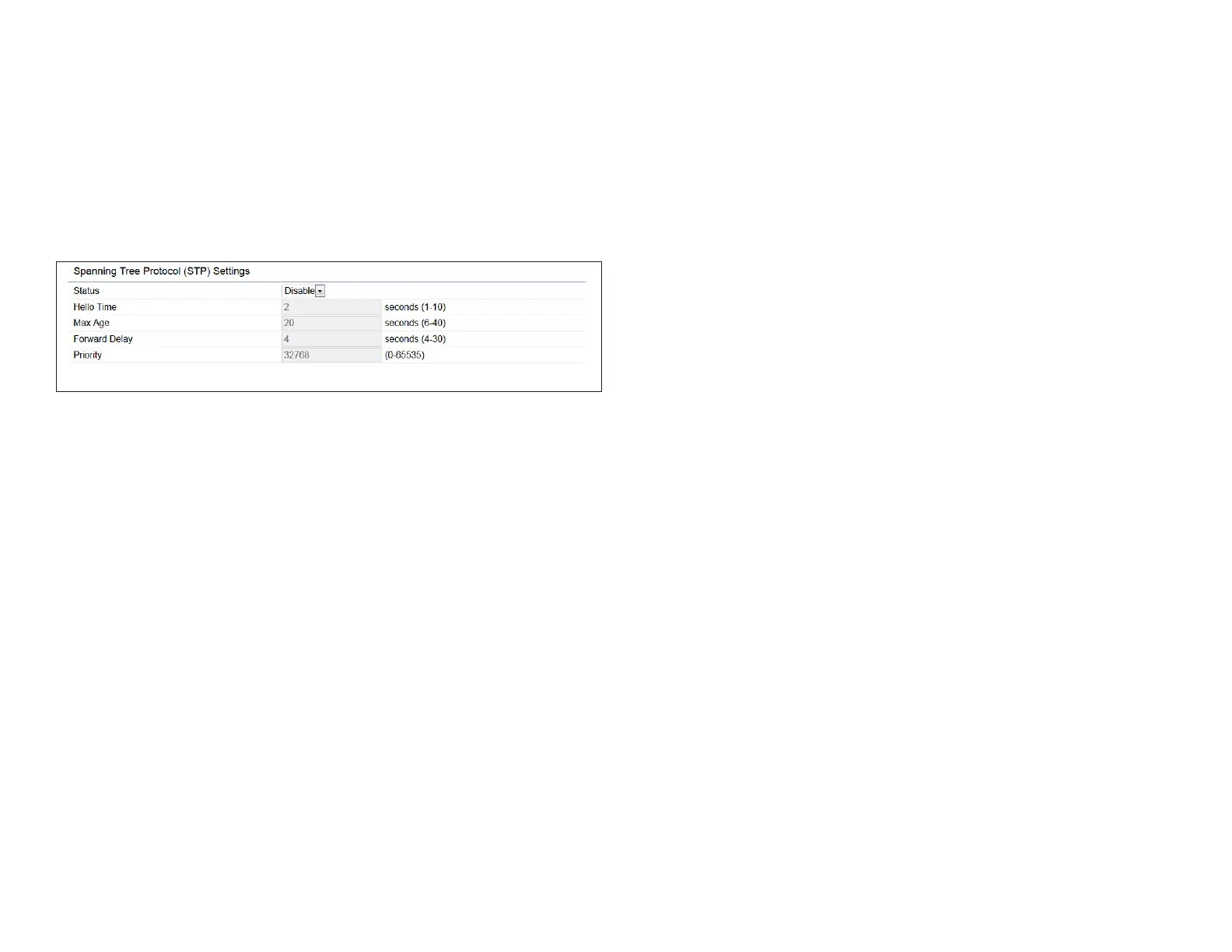
Spanning Tree Protocol (STP) Settings
This page allows you to modify the Spanning Tree settings.
Enabling the Spanning Tree protocol will prevent network
loops in your LAN network.
Spanning Tree Status: Enables or disables the Spanning
Tree function.Default is Disable.
Hello Time: Species Bridge Hello Time in seconds. This
value determines how often the device sends handshake
packets to communicate information about the topology
throughout the entire Bridged Local Area Network.
Max Age: Species Bridge Max Age in seconds. If another
bridge in the spanning tree does not send a hello packet for
a long period of time, it is assumed to be inactive.
Forward Delay: Species Bridge Forward Delay in seconds.
Forwarding delay time is the time spent in each of the
Listening and Learning states before the Forwarding state
is entered. This delay is provided so that when a new bridge
comes onto a busy network, it analyzes data trafc before
participating in the network.
Priority: Species the Priority Number. A smaller number
has a greater priority than a larger number.
Save: Click Save to conrm the changes.



 To Next Page