53
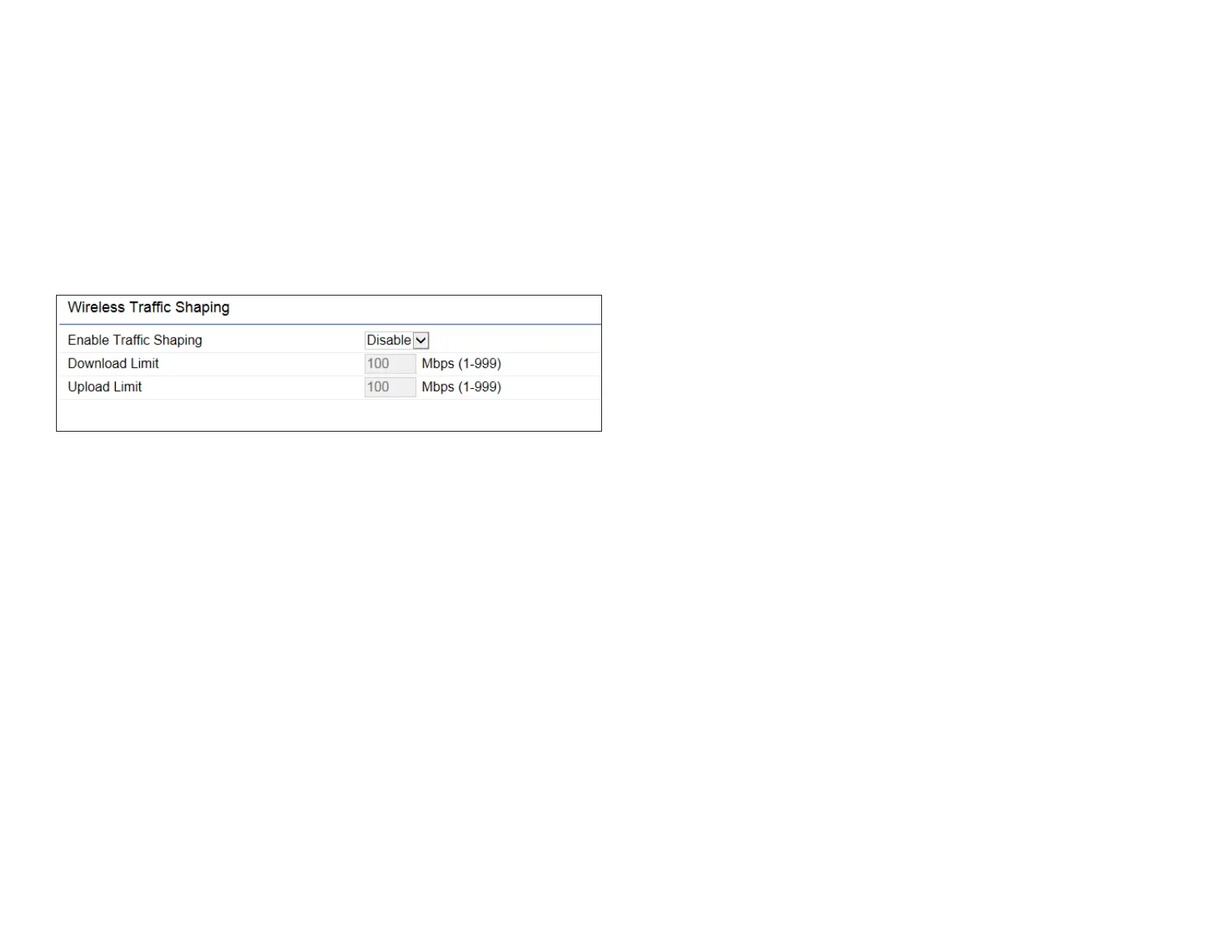
Wireless Trafc Shaping
Trafc shaping regulates the ow of packets leaving an
interface to deliver improved Quality of Service.
Enable Trafc Shaping: Check this option to enable
Wireless Trafc Shaping.
Download Limit: Species the wireless transmission speed
used for downloading.
Upload Limit: Species the wireless transmission speed
used for uploading.
Per User: Check this option to enable wireless trafc
shaping per user function. This function allow users to limit
the maximum download / upload bandwidth for each client
devices on this SSID.
Save: Click Save to conrm the changes.



 To Next Page