2.2 ZoneController Feature List
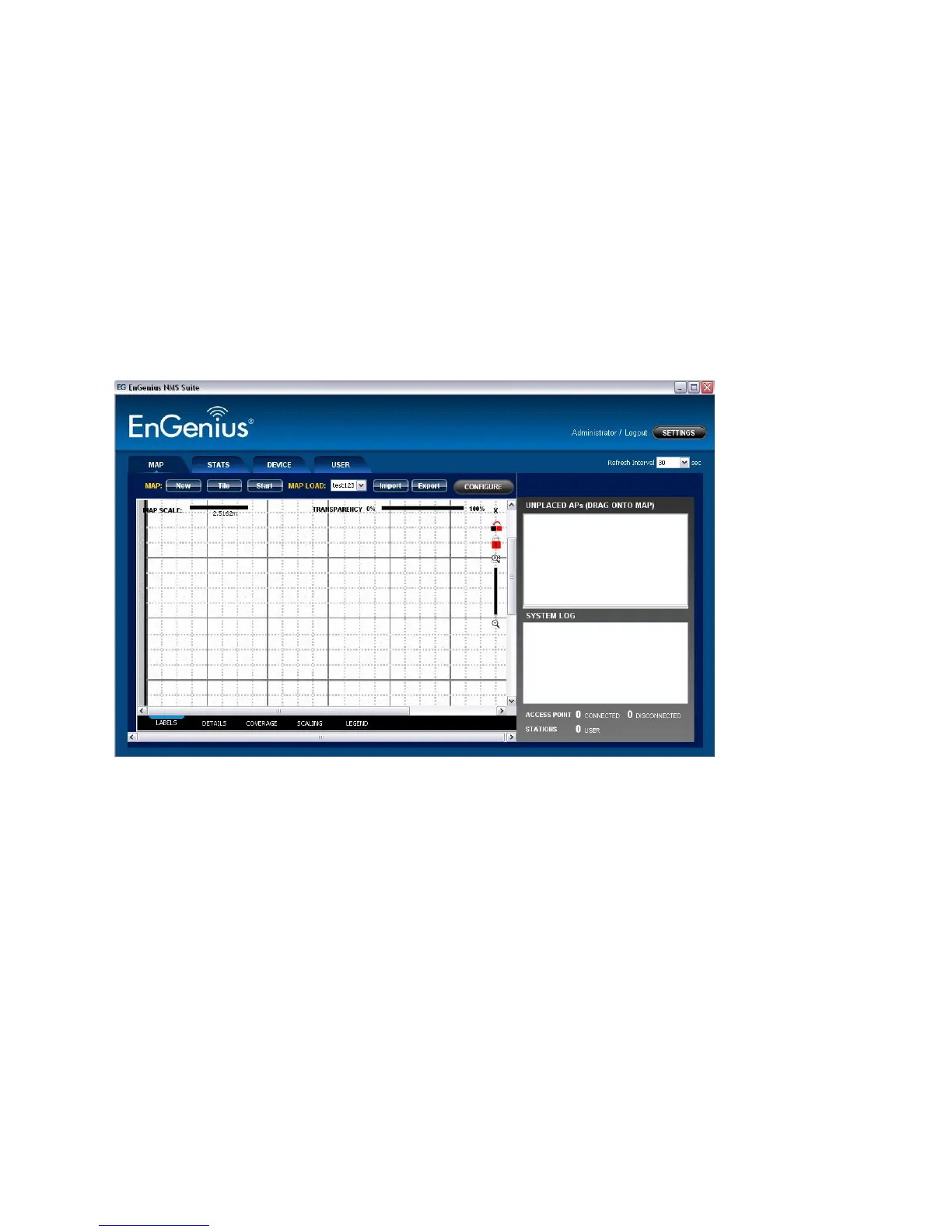
Upon logging into the ZONECONTROLLER Software, the user is presented with four different
functional panels. Users can switch to each panel by selecting the tab button at the top of
the suite. The four panels are Map, Stats, Device and User.
The Map panel is to geographically display the live status of the managed network.
Discovered units will be plotted on the map area at the left panel. All new located devices
will be added to the Unplaced APs columns before dragged to the map by the user.













 To Next Page