6 Status
The Status section is on the navigation side-bar menu. Selecting it, you will then see four
options: Save/Reload, Main, Wireless Client List, and System Log. Each option is described in
detail below.
6.1 Save / Load
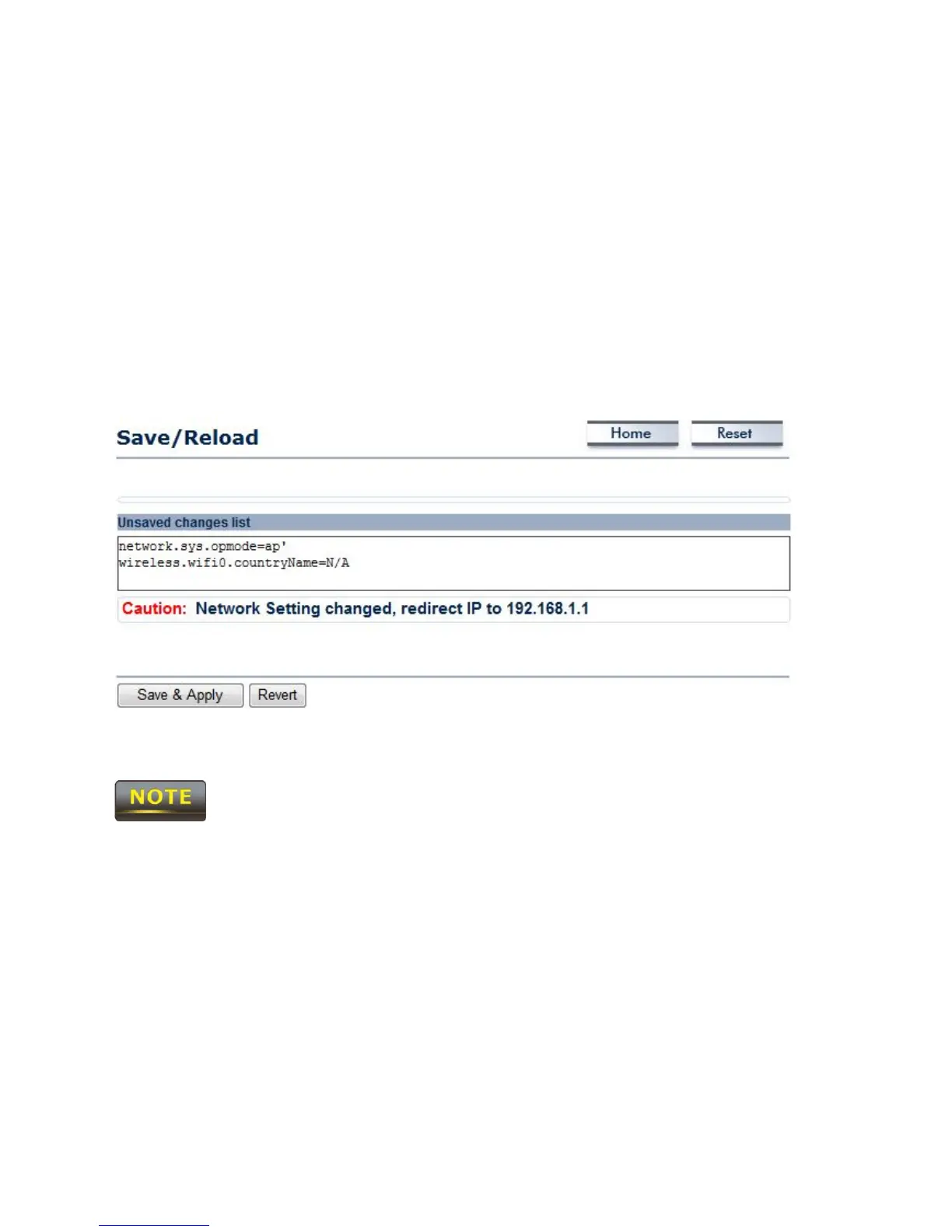
This page allows viewing of the modified settings. The changes will show in the Unsaved
changes list. You can decide to cancel (Revert) all the changes or to Save & Apply the new
settings.
Please make note of the following:
1. You cannot cancel specific settings. You can only save all of the settings or revert to the
previously saved state.
2. You need to use the Save/Reload page to commit your configurations by clicking the “Save
& Apply” button.













 To Next Page