26
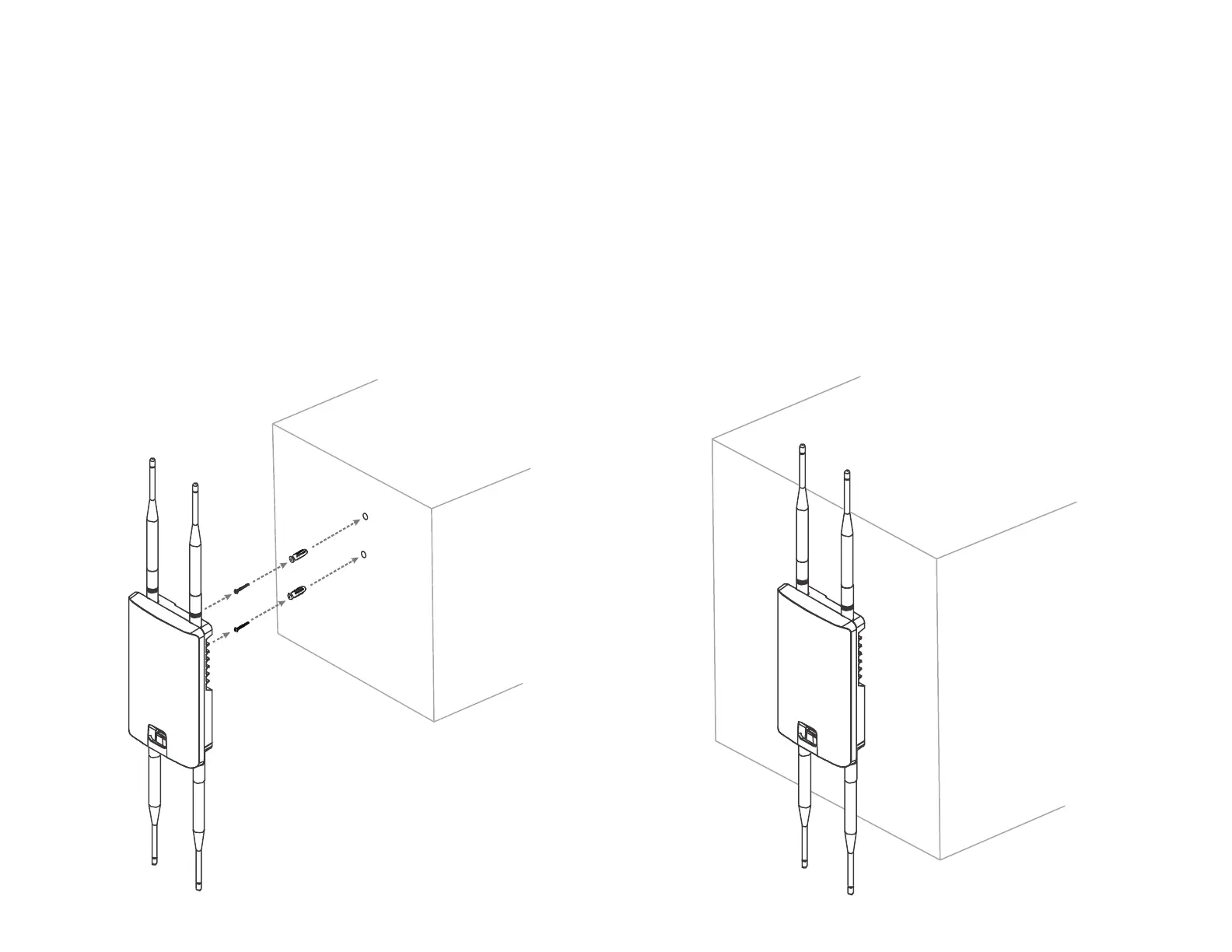
To attach the AP to a wall using wall mounting
kit.
1. Determine where the Access Point to be placed and
mark locations on a surface for the two mounting holes.
Useanappropriatedrillbittodrilltwo8.1mmdiagram
and 26mm depth holes in the markings and hammer the
bolts into the opening.
2.
Screwtheanchorsuntotheholesuntiltheyareush
with the wall.
3. Screw the included screws into the anchors.
4. Place this Access Point against wall with the mounting
heads.
1
2
4
3













 To Next Page