28
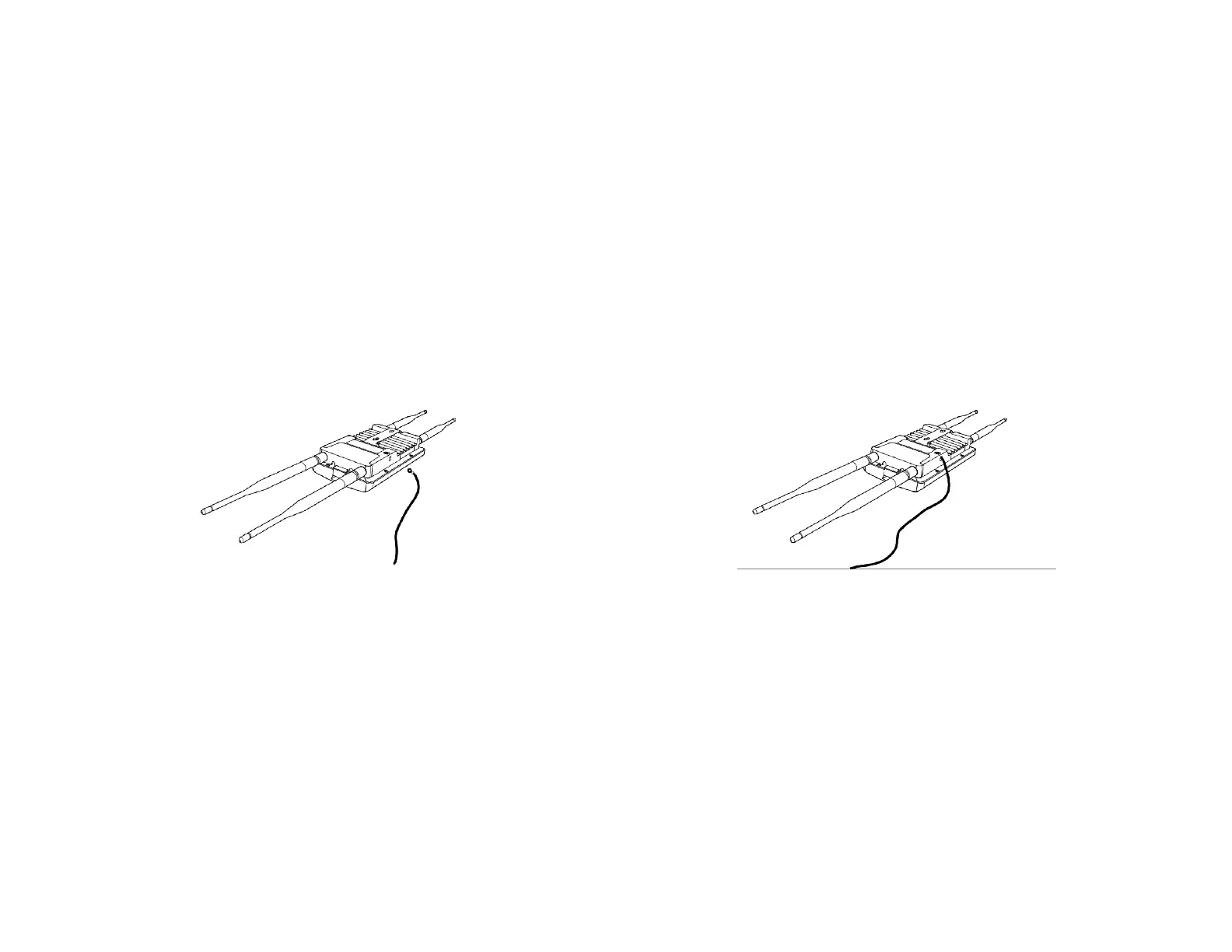
Install Ground cable (ENS620EXT Only)
NooutdoorAPsarebuilttowithstandadirectlightningstrike.TopreventadirectlyligtningstirkeintooutdoorAPs,
they should be properly grounded to a viable path for lightning surge to deliver to ground so that is does not go into the
building network. This AP have a ground lug on the left side of this AP which is applied to attach a proper ground to.
*Attention: You must always install an external grounding wire ensure that you have completed grounding before you connect power
to the unit.













 To Next Page